
Free Veo 3.1 AI Video Generator Online
Turn prompts and images into cinematic videos with native audio, first-and-last-frame steering, and 8-second 1080p output — powered by Google DeepMind's latest Veo 3.1 model. Sign up and start with free trial credits.
New in 3.1: First & Last Frame Control, Multi-Image Reference, and audio across all generation modes
How Veo 3.1 Helps You Create
Everything you need to go from idea to finished video — in one tool
First & Last Frame Control
Define exactly where your scene starts and ends. Upload a start frame and an end frame — Veo 3.1 generates the smooth in-between transition. The standout feature that separates 3.1 from every other AI video model.
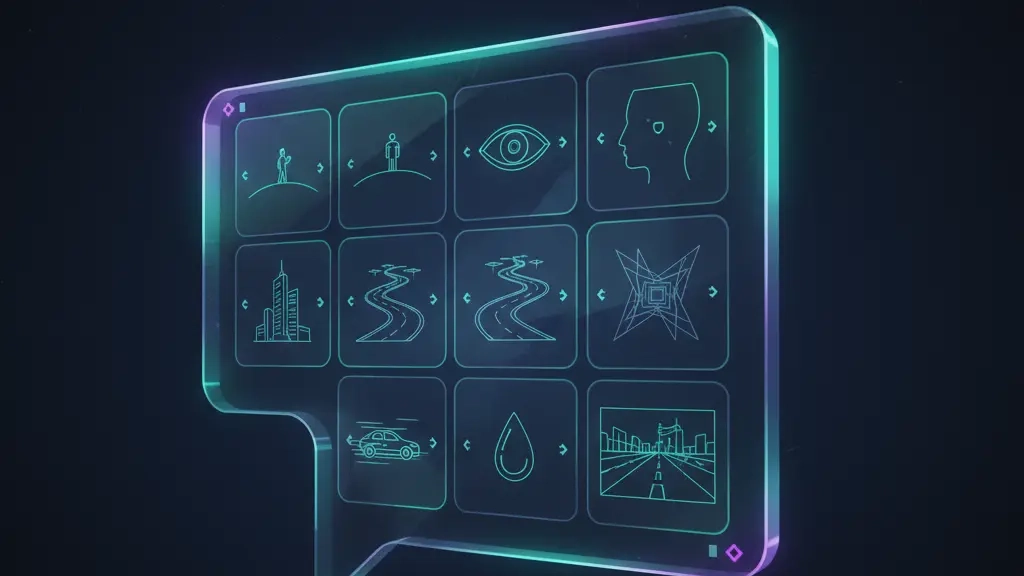
Multi-Image Reference
Upload up to 3 reference images — a mood board, brand asset, or style frame — and Veo 3.1 matches the color palette, lighting, and composition. No manual color grading. No "that's not quite our brand look" revisions.
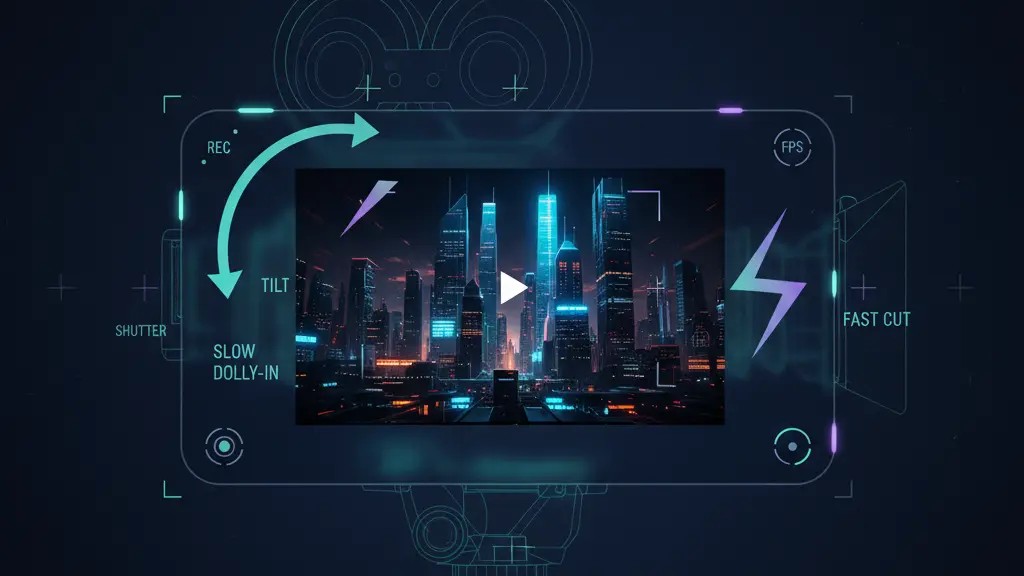
Text & Image to Video + Native Audio
Turn any description or photo into an 8-second 1080p cinematic clip. Every video comes with synchronized, multi-layer audio — dialogue with lip sync, ambient sound (rain, wind, city noise), and contextual background music. No external mixing required.
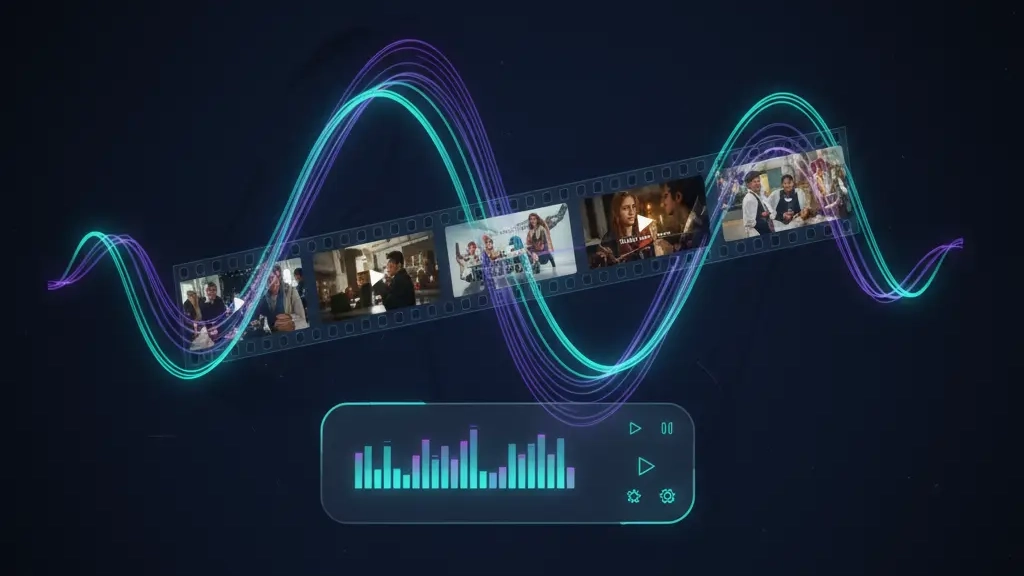
Scene-Level Creative Control
Direct every shot in plain English: "slow dolly-in," "macro product tilt," or "fast cut to reaction." Veo 3.1's stronger prompt adherence follows your camera moves, story beats, and pacing more faithfully than Veo 3 ever could.
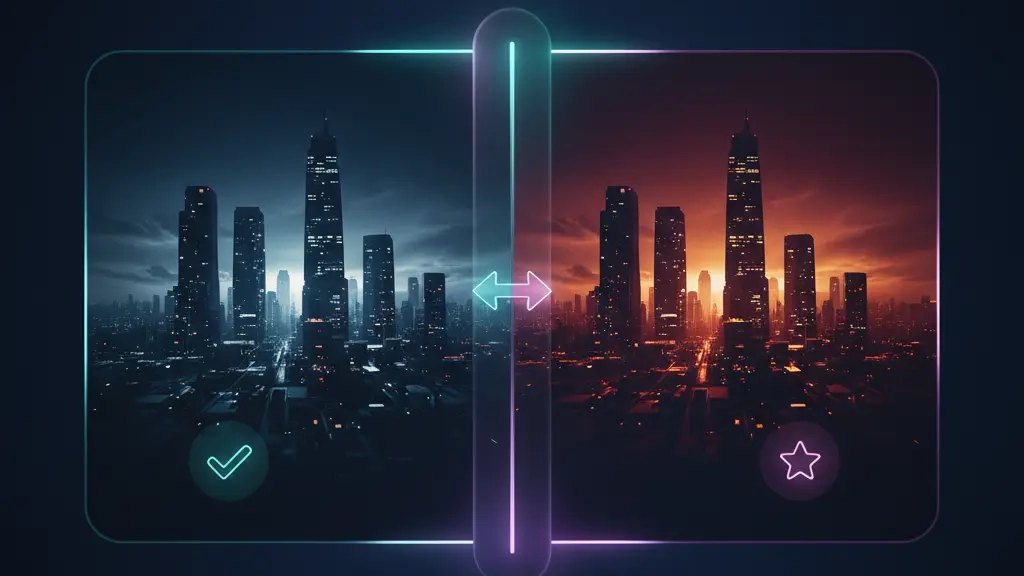
Version, Test & Iterate Fast
Duplicate any scene; change the hook, colorway, or call-to-action. A/B test 10 video variants for the cost of one traditional shoot. Fast Mode gives you previews in ~30 seconds — iterate at the speed of thought.

Extend, Insert & Remove
Chain clips up to ~148 seconds for longer narratives. Add new elements or remove unwanted objects — Veo 3.1 respects shadows and scene lighting to keep edits natural. No reshoots. No compositing software.
Why Creators Choose Our Veo 3.1 Platform
What sets us apart from other Veo 3.1 access points
Transparent Pricing — No Surprises
Unlike other Veo 3.1 platforms that hide pricing behind sign-up walls or bury per-second costs in documentation, we show you exactly what you get before you commit. Free trial credits when you sign up — no credit card needed. Clear per-generation costs displayed before every render.
Built-In Prompt Library with Real Examples
Most platforms give you an empty text box and say "good luck." We give you a curated prompt library — each with a playable output demo — organized by style (cinematic, animation, product), scene type (landscape, portrait, action), and use case (social media, ads, storytelling). Click any example to load its prompt and settings instantly.
Three Modes, One Unified Interface
Switch between Text-to-Video, First & Last Frame, and Image Reference modes without leaving the tool. Other platforms bury advanced controls in menus or split them across separate pages. We built a tabbed interface where all three modes live side by side — because your creative flow shouldn't be interrupted by UI friction.
Veo 4 Ready — You'll Be First to Know
We track Google's Veo model releases closely. When Veo 4 drops, our platform will support it on day one — and if you're on our update list, you'll get access before the general public. In the meantime, our Veo 3.1 platform gives you the most complete feature set available.
How to Generate Videos with Veo 3.1 — 3 Simple Steps
No heavy software. No complex timelines. No learning curve.
Choose Your Mode & Describe
Pick Text-to-Video, First & Last Frame, or Image Reference. Then type a short brief or describe your scene — include lighting, camera movement, and atmosphere for best results.
Upload & Direct
Upload reference images or start/end frames, or write camera directions. Combine text and images to give Veo 3.1 precise creative guidance.
Generate & Deliver
Choose Fast Mode (~30s preview) or Standard (full 1080p). Download as MP4 — ready for YouTube, TikTok, Instagram, or your editing timeline.
Who Uses Veo 3.1 — and For What
Five workflows where Veo 3.1 replaces hours of production with minutes of generation
Social Media Creators
YouTube Shorts, TikTok, and Instagram Reels creators use Veo 3.1 to generate eye-catching B-roll, transitions, and visual effects without picking up a camera. One text prompt replaces a half-day shoot — and the native audio means no royalty-free music hunting.
E-Commerce & Product Marketing
Marketing teams turn product photos into 8-second video ads — rotating product shots, lifestyle scenes, and unboxing-style reveals — all from a single product image and a text prompt. No studio rental. No video production agency.
Filmmakers & Storytellers
Independent filmmakers use First & Last Frame Control for precise scene pre-visualization (previz), storyboarding, and concept pitches. Define the opening and closing shot — Veo 3.1 handles the in-between. Clip extension chains let you build sequences up to 2.5 minutes.
Educators & Content Creators
Online course creators and YouTube educators generate explainer visuals, concept demonstrations, and B-roll footage from text descriptions. Abstract ideas — like "how photosynthesis works" or "the water cycle" — become watchable animations without hiring an animator.
Designers & Creative Agencies
Design agencies use Image Reference mode to maintain strict brand consistency across client video projects. Upload a brand mood board as reference — every generated clip matches the approved palette, lighting style, and composition. Present video concepts to clients before committing to full production.
Veo 3 vs Veo 3.1 vs Sora 2 Comparison
Compare key capabilities across leading AI video generation platforms
| Feature | Veo 3 | Veo 3.1 | Sora 2 |
|---|---|---|---|
| Audio Quality | Standard audio with dialogue and ambient sound | Enhanced multi-layer audio with lip sync, ambience, and music | Synchronized dialogue and background audio |
| Max Duration | Up to 8 seconds | 4-8 seconds (extendable to 60+ seconds) | 10-15 seconds |
| Output Resolution | Up to 1080p | Native 1080p output | 480p-1080p (varies by plan) |
| Aspect Ratios | 9:16, 16:9 | 9:16, 16:9 | Portrait, Landscape |
| Generation Modes | Text-to-video, Image-to-video | Text-to-video, Multi-image reference, Frame control | Multiple modes with Cameos feature |
| Best For | Quick short-form content and ads | Professional storytelling with precise creative control | Social media and creative expression |
Veo 3.1 excels at cinematic quality, creative control, and synchronized audio. All platforms offer unique strengths for different workflows.
Veo 4 — What to Expect from Google's Next AI Video Model
Google hasn't officially announced Veo 4 yet — but here's what industry observers and early indicators suggest as of July 2026.
What We Know
- Google's video generation roadmap points toward deeper Gemini Omni integration — combining video generation with real-time conversational editing
- Third-party platforms (Artlist, Imagine Art, Pippit) are already preparing Veo 4 landing pages, signaling an anticipated launch
- The open-source community has begun building Veo 4 API wrappers (GitHub: SamurAIGPT/veo4-video-generator)
What's Widely Expected (Unconfirmed)
- Longer video durations — potentially exceeding the current 8-second limit
- Higher native resolution — possibly 8K support
- Smarter scene understanding for complex multi-character narratives
- Tighter Gemini ecosystem integration (generate + edit via conversation)
We track Google's Veo model releases closely. When Veo 4 becomes available, our platform will support it on day one — so you can start creating the moment it drops.
All Veo 4 information above is based on industry speculation and publicly available indicators. Google has not confirmed any Veo 4 specifications, release date, or features.
Choose the AI video workflow that matches your input
Veo 3.1 remains the model focus of this page. For a broader workflow, open a dedicated task page with the right upload fields, examples, and prompts already in place.
AI Video Generator Online
Compare text, image, frame, reference, and audio workflows in one online hub.
Explore workflow →Image to Video AI Generator
Animate one photo with a motion prompt and task-specific controls.
Explore workflow →First and Last Frame Video Generator
Guide how a video begins, ends, and moves between two keyframes.
Explore workflow →Reference to Video AI
Use character, product, object, or style references to guide new shots.
Explore workflow →AI Video Generator with Audio
Create video and sound together on models that support generated audio.
Explore workflow →Veo 3.1 Plans & Pricing
Choose the plan that fits your workflow
Starter
Entry-level experience, low barrier to entry
- 60 credits per month (approximately 20 videos)
- Monthly/yearly payment options, cancel anytime
- Perfect for beginners and light usage
- View and manage your video generation history anytime
- Commercial use
- 24/7 customer support
Pro
Main recommended version, best value for money
- 150 credits per month (approximately 50 videos)
- Monthly/yearly payment options, cancel anytime
- Best value choice for individual creators and small teams
- View and manage your video generation history anytime
- Commercial use
- 24/7 customer support
Studio
Professional version for high-frequency creators
- 270 credits per month (approximately 90 videos)
- Monthly/yearly payment options, cancel anytime
- Perfect for professional creators and high-frequency generation
- View and manage your video generation history anytime
- Commercial use
- 24/7 customer support
Need more credits?
One-time purchase. Add credits anytime — works alongside any plan.
Frequently Asked Questions About Veo 3.1
What is Veo 3.1?
Is Veo 3.1 free? How many free credits do I get?
Do I need to sign up or register to use Veo 3.1?
What resolution and video length does Veo 3.1 support?
Does Veo 3.1 generate audio? How good is it?
How is Veo 3.1 different from Veo 3?
What's the difference between Fast Mode and Standard Mode?
Can I use Veo 3.1 videos for commercial projects?
Are my uploaded images and prompts private? What happens to my data?
How long does it take to generate a video?
Can I download Veo 3.1? Does it run locally?
When will Veo 4 be released?
Ready to Create Videos with Veo 3.1?
Join thousands of creators, marketers, and teams who use Veo 3.1 for professional video generation. Start with free trial credits — no credit card required.
Create. Test. Learn. Repeat with Veo 3.1
Developers: Veo 3.1 is available via Gemini API and Vertex AI