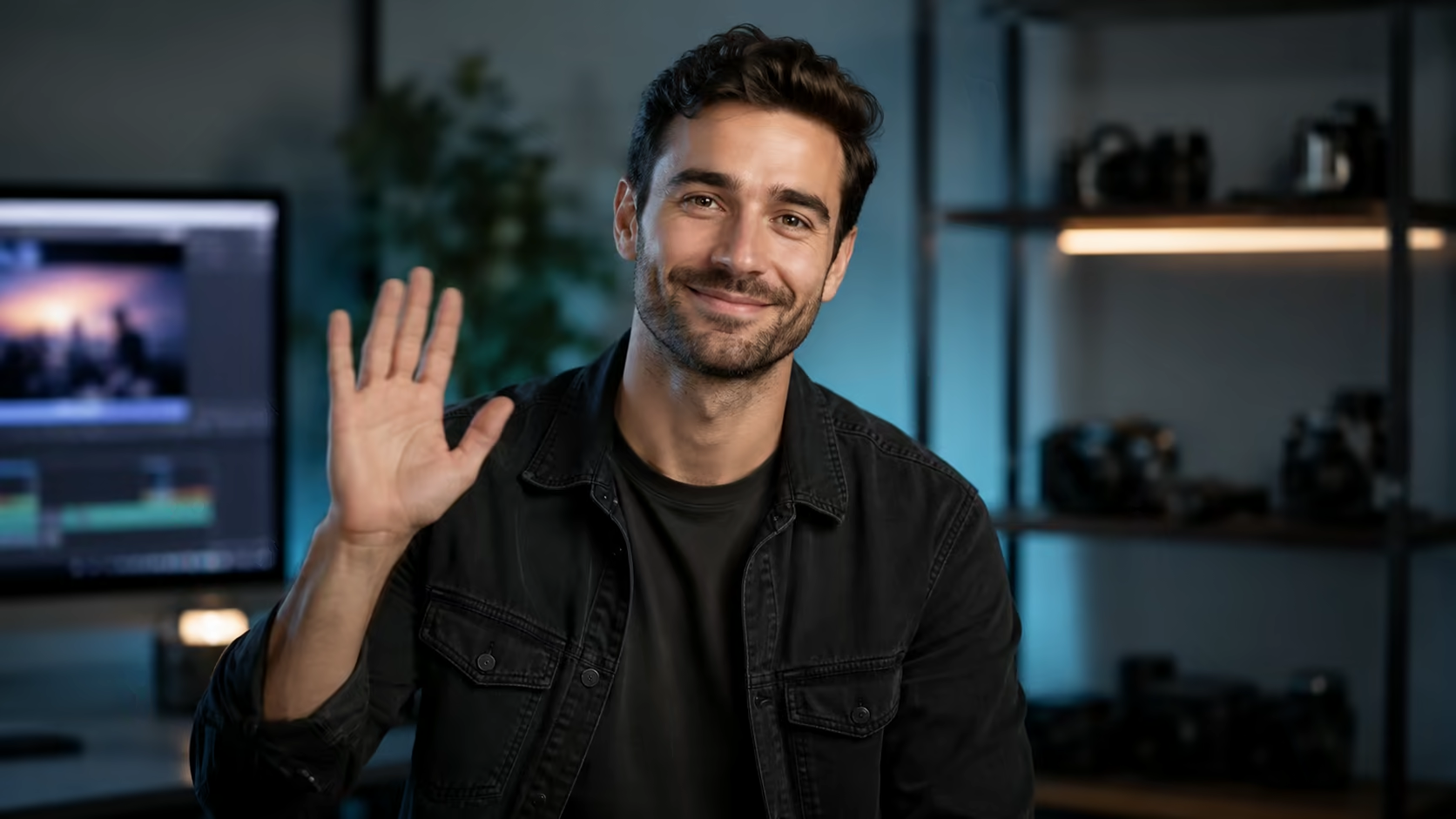
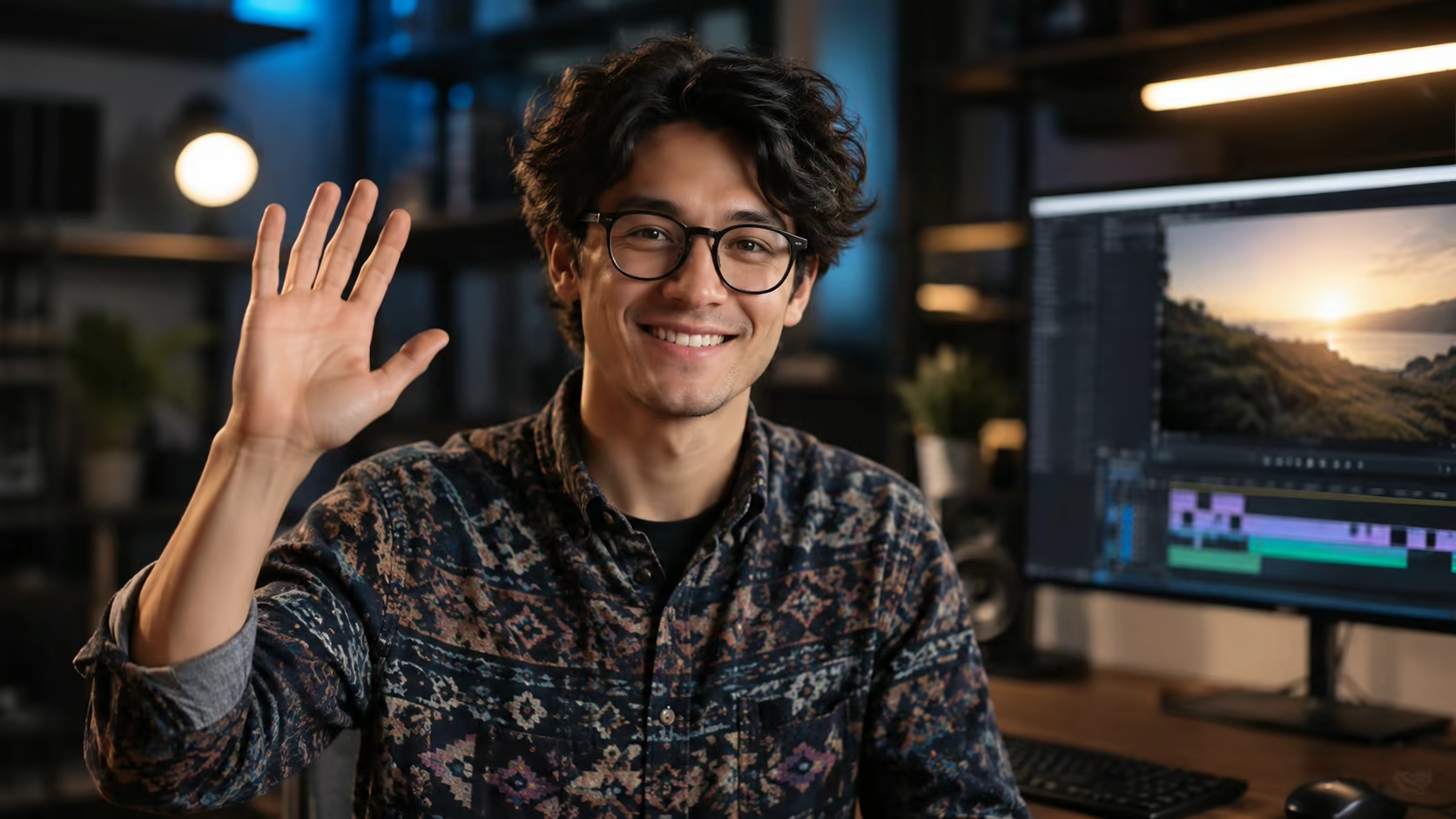
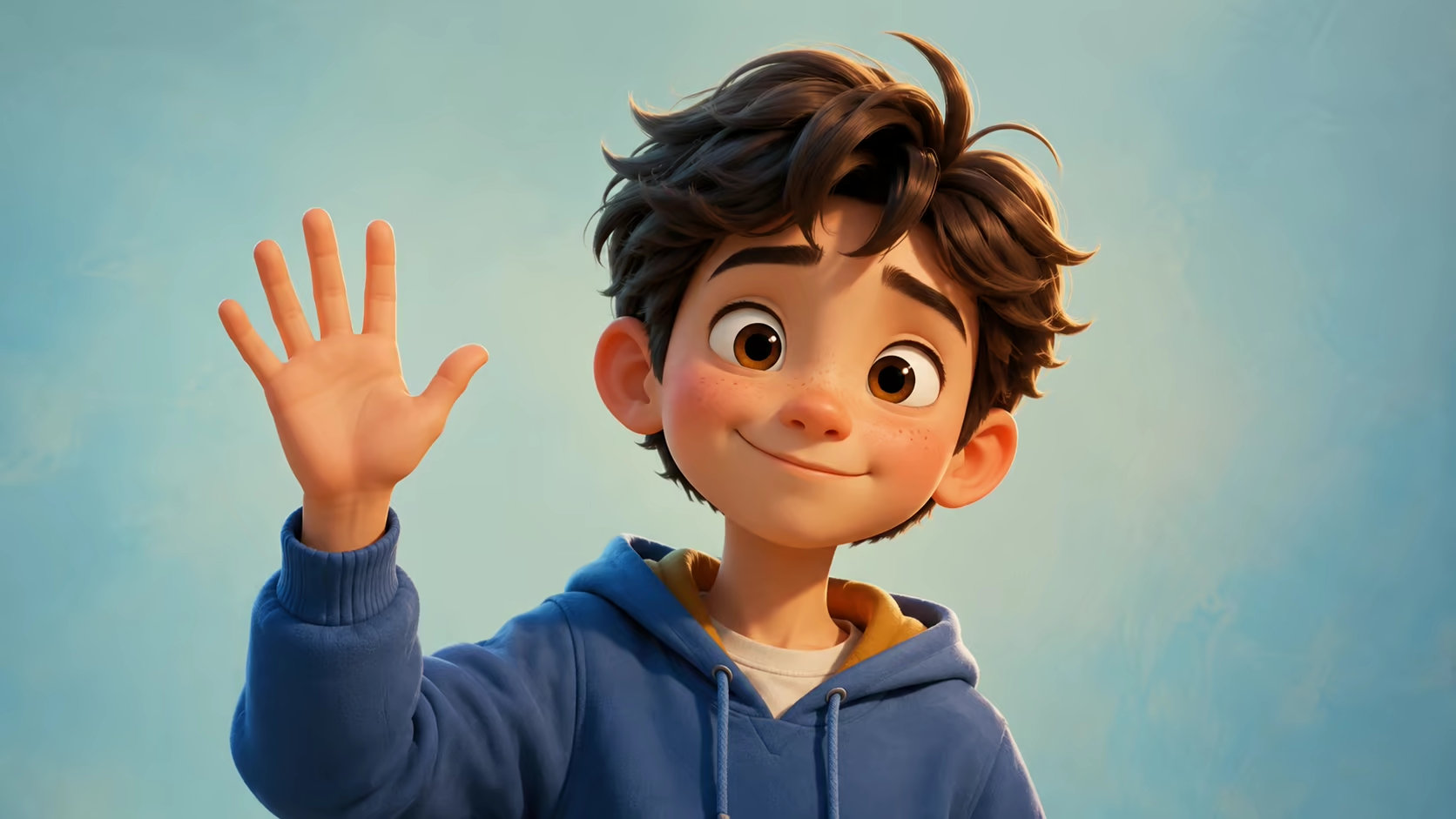
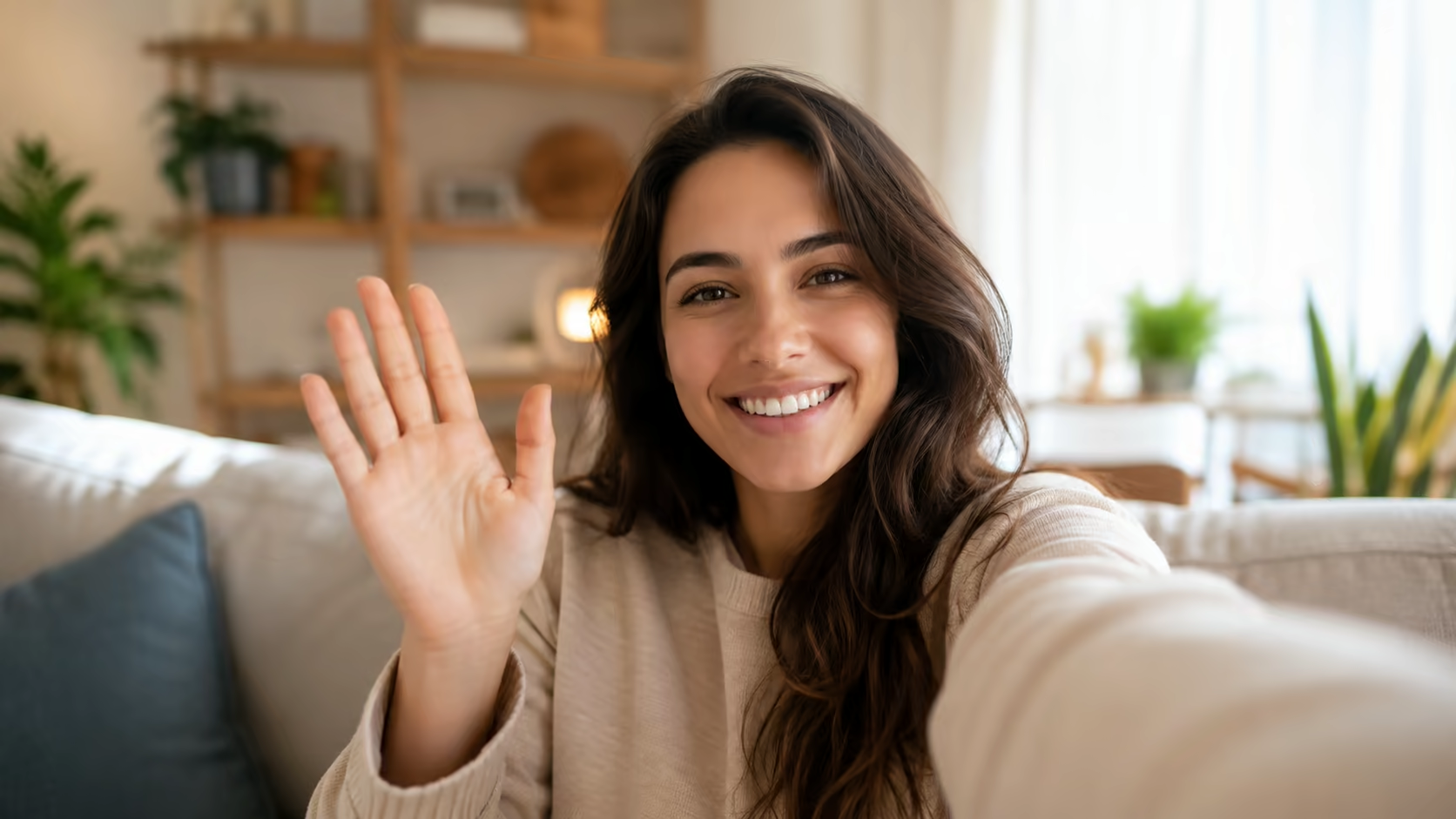
Animate a friendly wave from one photo

Make Someone Wave in a Photo AI

Make Someone Wave in a Photo AI turns a still portrait into a short greeting video. Upload a clear image with the person’s upper body, arm, and hand visible, then describe the size, speed, expression, and camera behavior of the wave while asking the model to preserve the face, clothing, and background.

One portrait or character imagePrompt-controlled waving motionCredit estimate before generationNo visible watermark
3credits

Sign-in is required to generate. Eligible new accounts currently receive signup credits, and the estimated credit cost is shown before submission.

Prepare for better motion

Make Someone Wave in a Photo AI with a Motion-Ready Portrait

AI must infer the arm path and missing views of the hand. Clear visibility and restrained motion reduce the amount it has to invent.

Use a visible shoulder, elbow, and hand

Choose a half-body or full-body image with the waving-side arm visible and space beside the body. A cropped wrist, hidden elbow, crossed arms, or hand behind the torso makes the movement harder to generate.

Try this direction

Use the already visible right arm; keep the left arm relaxed and unchanged.

Use a visible shoulder, elbow, and hand capability preview

Describe one specific kind of wave

State which hand moves, how high it rises, how many times it waves, and whether the gesture is small, enthusiastic, formal, or a goodbye. Avoid combining a wave with several unrelated actions.

Try this direction

Raise the visible left hand to shoulder height and make two small side-to-side waves.

Describe one specific kind of wave capability preview

Ask the camera and background to stay stable

A locked camera gives the model more capacity for the arm and hand. If camera motion is needed, use one slow push-in instead of an orbit, pan, and zoom at the same time.

Try this direction

Locked camera, unchanged background, no reframing, no new people or objects.

Ask the camera and background to stay stable capability preview

Protect the face and clothing

Name the visible identity details that matter: facial expression, hairstyle, glasses, jewelry, uniform, sleeves, and logos. Generated motion can still drift, so review the complete clip.

Try this direction

Preserve facial features, hairstyle, glasses, sleeve length, and the original shirt design.

Protect the face and clothing capability preview

Animate illustrations and original characters

The same workflow can animate character art, mascots, and stylized portraits when the arm is readable. Ask the model to keep the source rendering style instead of converting it to realism.

Try this direction

Keep the original illustration line work, colors, shading, and proportions while the character waves.

Animate illustrations and original characters capability preview

Create short greetings for social and personal edits

Use the generated wave as one clip in a birthday edit, event post, character introduction, presentation, or social story. Add captions or longer narration later in your editor.

Try this direction

Hold the initial pose briefly, wave hello, then settle into a natural final pose.

Create short greetings for social and personal edits capability preview
How to make a person wave

Make Someone Wave in a Photo AI in Three Clear Steps

This is prompt-guided image-to-video generation, not a fixed sticker effect. The source pose and instructions both influence the result.

01

Upload a clear photo you may use

Choose one person with a visible upper body and waving-side arm. Make sure you have the subject’s permission and the rights needed for your intended use.

02

Describe the hand, wave, and camera

Name the moving hand, wave height, speed, number of motions, expression, camera behavior, and the details that should remain unchanged.

03

Generate and inspect hands and identity

Review fingers, wrist, elbow, face, clothing, background, and any text or logos. Refine the source image or simplify the motion if the first version drifts.

Focused use cases

Ways to use a short AI waving video

Keep the clip contextual and transparent. A wave is useful as a small visual gesture, not proof that a real person performed or endorsed something.

Personal greeting edits

Add a short hello or goodbye moment to a birthday, anniversary, travel, or family video with the subject’s permission.

Character introductions

Animate an original character, mascot, or avatar making a simple entrance or greeting.

Event and community posts

Create a short welcome clip from an approved portrait for a school, club, conference, or community edit.

Storyboards and concepts

Preview how a photographed or illustrated character might greet the camera before producing a larger scene.

Presentation moments

Use a brief animated portrait as an opening or transition, then add text and narration in a separate editor.

Social profile creativity

Turn an authorized portrait into a compact vertical motion post while avoiding misleading identity or endorsement claims.

Why prompt the wave

More control than a generic “make photo move” request

Make Someone Wave in a Photo AI helps you prepare the portrait and describe the gesture precisely instead of asking the model to invent random motion.

One-image workflow

Upload the portrait directly in image-to-video mode without navigating through unrelated generation tasks.

Gesture-specific prompting

Control the hand, height, speed, expression, and camera behavior in plain language.

Visible generation estimate

Review the selected duration, resolution, and current credit cost before submitting.

Download without a visible watermark

Use the completed clip in your edit without a visible Voe AI mark covering the portrait.

Photo checklist

What Make Someone Wave in a Photo AI Needs from Your Image

The generator can create missing motion, but it cannot guarantee perfect hands or identity. Start with a source that makes the gesture physically readable.

Best subject

One visible person

Multiple people make it ambiguous whose hand should move.

Best crop

Half or full body

Include the shoulder, elbow, wrist, hand, and space beside the body.

Best motion

One restrained wave

Small coherent actions usually preserve the source better than complex choreography.

Required review

Hands and face

Inspect anatomy, identity, clothing, text, and background before sharing.

Waving prompt examples

Copy a wave prompt that matches the original pose

Choose the closest example and change the hand, expression, and framing. Do not request movement that the source crop cannot support.

Friendly hello

The person raises their visible right hand to shoulder height and gives two small friendly waves while smiling naturally. Preserve the face, hairstyle, clothing, body proportions, and background. Locked camera.

Formal greeting

The subject keeps a steady posture and makes one calm open-palm greeting with the visible left hand. Subtle polite smile, realistic fingers and wrist, unchanged outfit and background, no camera movement.

Goodbye wave

The person looks toward the camera, gives a gentle side-to-side goodbye wave with the already visible hand, then lowers it naturally. Keep all facial and clothing details stable.

Enthusiastic wave

The character brightens their expression and makes a cheerful shoulder-height wave with moderate energy. Keep the torso stable, use one arm only, preserve the face and clothing, and avoid exaggerated fingers.

Full-body arrival

The person takes one small step forward and raises the visible hand for a brief greeting. Preserve the full body, shoes, face, clothing, and environment. Slow minimal camera push-in.

Illustrated character

Animate the illustrated character giving a small friendly wave. Preserve the original line art, palette, shading, facial design, proportions, and background composition. No photorealistic conversion.

Frequently asked questions

Make someone wave in a photo AI FAQ

How does Make Someone Wave in a Photo AI work?
Make Someone Wave in a Photo AI uses a clear authorized portrait and your motion prompt. Describe which hand should move, the height and speed of the wave, the expression, camera behavior, and the details that should remain unchanged.
What kind of photo works best for a waving video?
A sharp half-body or full-body image with one subject, visible shoulders and arms, an unobstructed hand, and space beside the body works best. Avoid tightly cropped wrists, crossed arms, heavy occlusion, and crowded backgrounds.
Can AI create a hand that is outside the original photo?
It can attempt to invent missing content, but anatomy and identity are less reliable when the source does not show the arm or hand. For better control, use a wider source image that already includes the intended waving side.
How do I reduce distorted fingers or arms?
Use a visible hand, request a small slow wave, keep the camera locked, avoid several simultaneous actions, and explicitly ask for realistic fingers and wrist movement. Review every generated frame because perfect anatomy is not guaranteed.
Will the person’s face stay exactly the same?
The source image anchors the appearance, but generative video may alter facial details during motion. Ask for a restrained expression and preserved identity, then inspect the complete result before using it.
Can I make a historical or family photo wave?
You can animate a photo you have the right to use, but treat the output as a creative reconstruction and avoid presenting it as authentic footage. Be especially careful with sensitive family, memorial, or public-figure imagery.
Can I animate a celebrity or another real person?
Only use images and identities when you have appropriate rights and permission. Do not create deceptive impersonation, false endorsement, harassment, or misleading political or commercial content.
Is the AI wave video generator free?
Eligible accounts may have starting or daily credits. The current duration, resolution, and estimated credit cost are shown before generation; free use is not unlimited.
Animate the gesture

Turn one clear portrait into a short waving clip

Use Make Someone Wave in a Photo AI with an image you may use, describe a restrained wave, and review the hands, face, and credit estimate.