Turn one fragrance photo into a luxury motion shot

Perfume Product Photo to Video AI

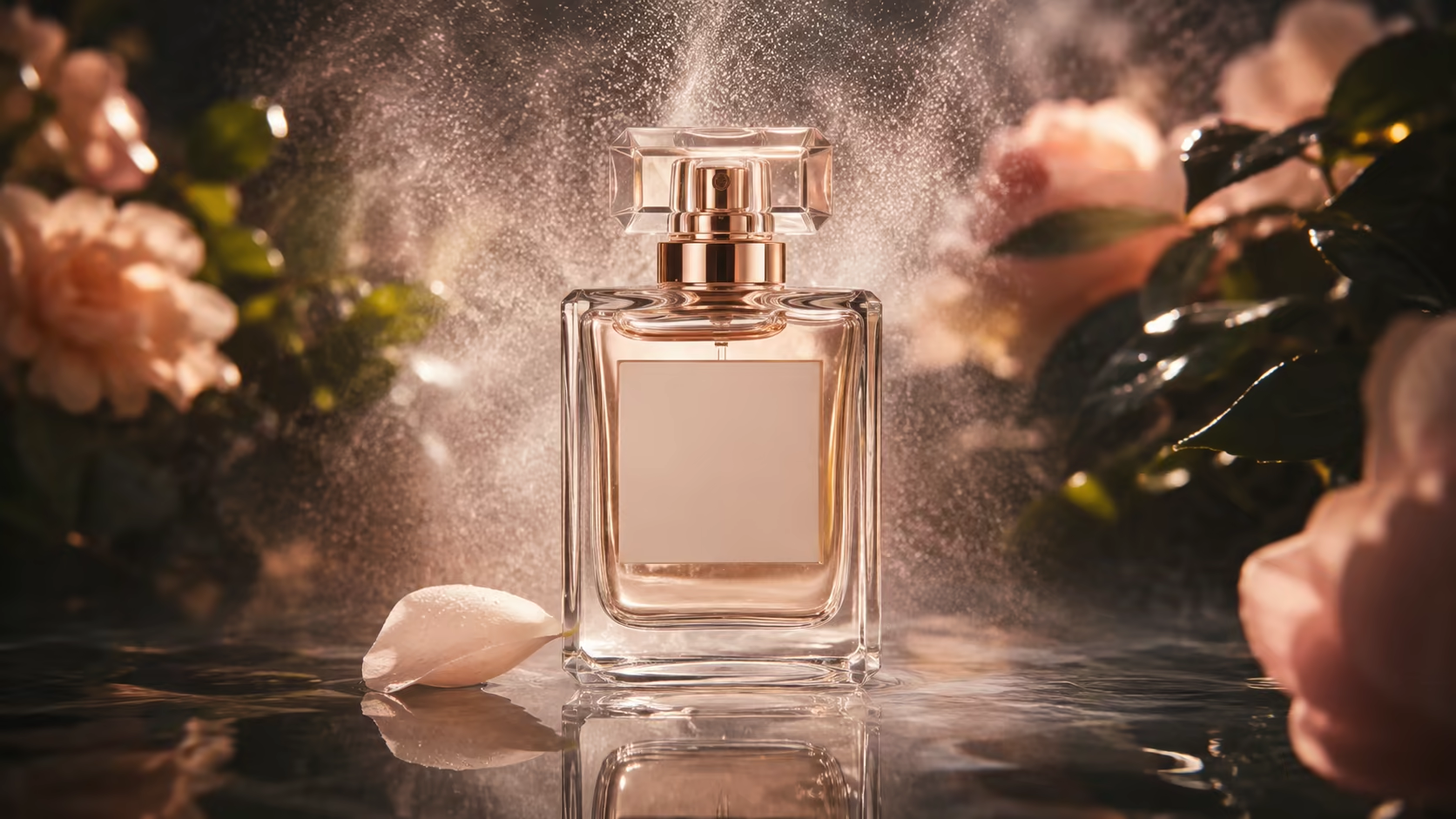
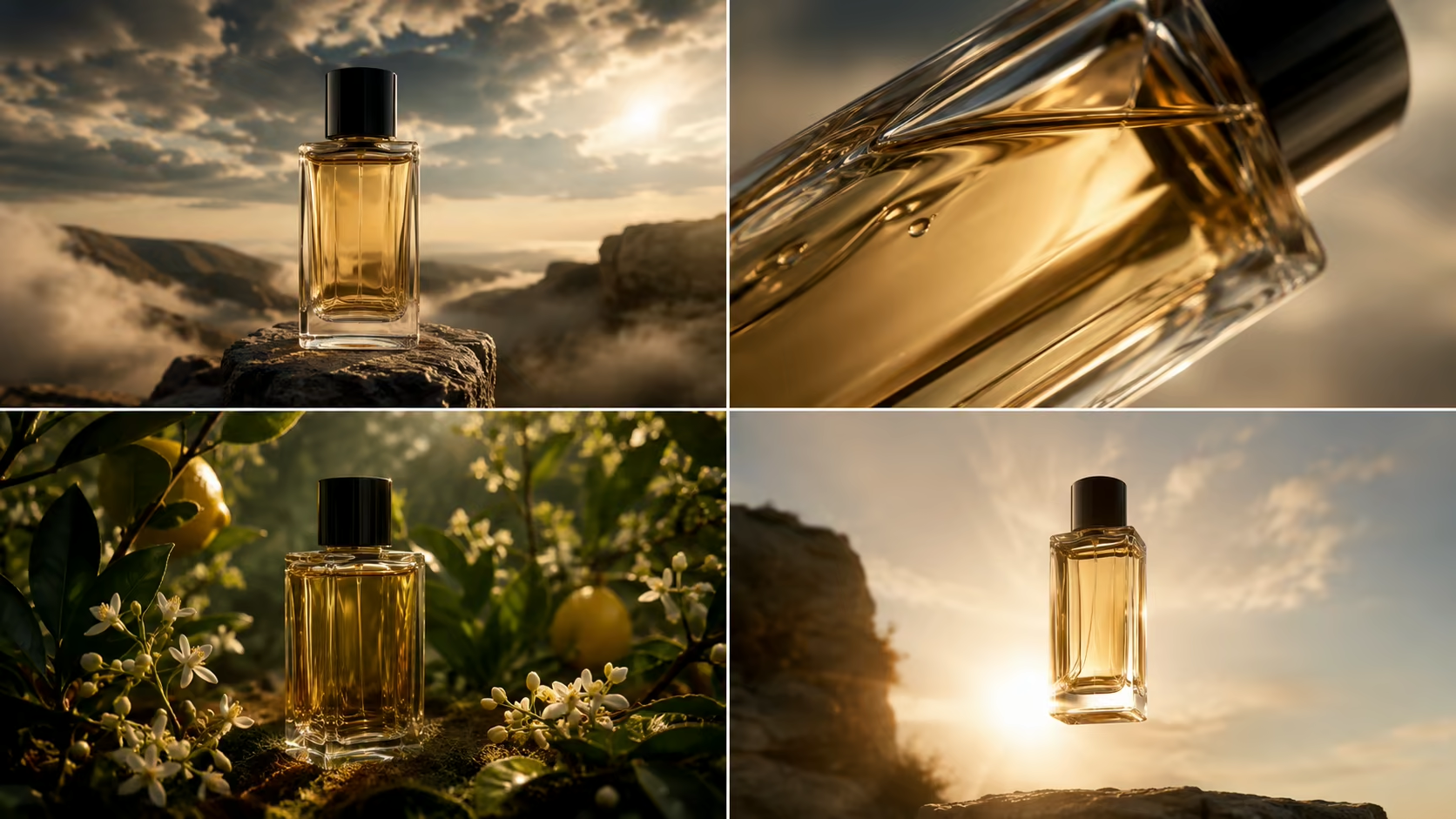
Perfume Product Photo to Video AI turns one bottle image into a short premium motion shot. Direct the camera, lighting, reflections, mist, petals, water, ingredients, and pacing while asking the model to preserve the bottle silhouette, cap, liquid color, label placement, and campaign composition.

One product photoLuxury camera and lighting promptsUp to 1080p on the default modelCredit estimate before generation
3credits

Sign-in is required to generate. Eligible new accounts currently receive signup credits, and the estimated credit cost is shown before submission.

What perfume imagery needs

Use Perfume Product Photo to Video AI Without Losing the Product

A fragrance bottle combines reflective glass, transparent liquid, small typography, and precise packaging. Keep the motion restrained and review the result as carefully as a product photograph.

Use a sharp, well-lit product source

Start with one complete bottle, a readable silhouette, visible cap, clean separation from the background, and enough space for the intended camera move. A high-resolution source gives the model a stronger visual anchor.

Try this direction

Use the uploaded bottle exactly as the hero product; do not redesign the shape, cap, label, or liquid.

Use a sharp, well-lit product source capability preview

Protect packaging and label placement

Name the elements that must stay stable, especially bottle proportions, cap geometry, liquid color, embossed details, logo position, and label block. Small text may still change and must be reviewed.

Try this direction

Preserve the label position and overall typographic block; do not invent extra letters, logos, or packaging.

Protect packaging and label placement capability preview

Choose one controlled camera move

A slow orbit, push-in, pull-back, tilt, or macro-to-wide reveal can add premium motion. Combining several aggressive moves makes transparent glass and small labels harder to preserve.

Try this direction

Use one slow clockwise orbit of only a few degrees with the bottle fixed on the surface.

Choose one controlled camera move capability preview

Describe the moving light and reflections

Perfume visuals often rely on a narrow highlight passing across glass, refracted color, caustic patterns, backlight, or a soft volumetric beam. State where the light moves and keep it secondary to the product.

Try this direction

A thin warm highlight travels left to right across the bottle while the background remains dark and soft.

Describe the moving light and reflections capability preview

Add atmosphere in separate depth layers

Place mist behind the bottle, petals or botanicals in the foreground, and water or reflective material beneath it. Clear depth instructions reduce the chance that effects cover the label or merge with the glass.

Try this direction

Fine mist behind the bottle, one petal crossing the foreground, subtle water reflection below; label stays unobstructed.

Add atmosphere in separate depth layers capability preview

Create one shot, then assemble the campaign

Generate a hero reveal, macro detail, ingredient atmosphere, or vertical hook as separate clips. A complete perfume ad still needs shot selection, editing, typography, music, and a final product claim review.

Try this direction

Hold the complete bottle cleanly for the final second so the shot can cut into a wider campaign edit.

Create one shot, then assemble the campaign capability preview
How to animate a perfume photo

Use Perfume Product Photo to Video AI in Three Steps

The source image defines the product. The prompt should add camera, light, and atmosphere without asking the model to redesign the bottle.

01

Upload a clean perfume product photo

Use one complete, sharp bottle with visible separation from the background and enough space for motion. Confirm that you have rights to use the product image and brand assets.

02

Prompt product locks and one motion concept

First list the bottle details that must remain unchanged. Then add one camera move, one lighting action, and a small number of atmospheric elements.

03

Generate and inspect every product detail

Review silhouette, cap, liquid, glass, label, reflections, shadows, and effect occlusion frame by frame. Regenerate or edit before using the clip commercially.

Short fragrance content

Where a perfume image-to-video shot can be used

The generator produces a focused motion asset. Combine it with accurate product information, approved claims, typography, and audio in your final marketing workflow.

Product-page hero loops

Create a restrained bottle reveal or moving-light shot for a landing page, collection page, or campaign header.

Reels, Shorts, and TikTok

Use a vertical macro reveal, petal pass, mist effect, or water reflection as a short social hook.

Launch teasers

Reveal the bottle silhouette and campaign mood before showing the approved product name and launch details in editing.

Beauty campaign concepts

Prototype light, surface, ingredient, season, and color directions before committing to a full production.

Marketplace motion assets

Generate a clean product shot, then verify marketplace rules, product accuracy, dimensions, and required disclosures.

Client mood presentations

Show a potential movement and lighting treatment alongside still references during creative development.

Why use a focused product workflow

Start from the real bottle photo and prompt only the motion

The image-to-video setup keeps your product image as the first-frame anchor and makes practical generation settings visible.

Direct image upload

Open in image-to-video mode with one source image instead of rebuilding the bottle from a text description.

Prompt-controlled creative direction

Specify product locks, camera, light, reflection, atmosphere, depth, and pacing in plain language.

1080p option on the default model

Start with the 1080p setting and review the current duration and credit estimate before generation.

No visible watermark

Download the completed shot without a visible Voe AI watermark over the product.

Product-photo checklist

What Perfume Product Photo to Video AI Needs from Your Image

Generative motion is useful for creative shots but does not guarantee packaging, typography, or physical-product accuracy.

Best input

One sharp bottle photo

Show the complete product with clear edges, controlled reflections, and room for motion.

Best direction

One premium camera move

Pair it with one lighting action and limited atmospheric motion.

Review closely

Label and geometry

Small text, logos, cap details, glass edges, and liquid levels may drift.

Output scope

One short product shot

A complete ad still needs editing, claims, typography, music, and additional shots.

Perfume video prompts

Copy a luxury bottle-motion prompt

Begin with product-preservation instructions, then add camera, lighting, and atmosphere. Keep the label visible and the number of moving elements small.

Studio light pass

Preserve the exact bottle silhouette, cap, label placement, glass color, and liquid level. Use a slow five-degree clockwise orbit while one narrow soft highlight travels across the glass. Premium dark studio, bottle fixed, no label distortion.

Macro reveal

Begin on a macro reflection along the glass edge, then pull back slowly to reveal the full perfume bottle. Keep the product geometry, label, cap, and liquid unchanged. Shallow depth of field, controlled commercial lighting, clean background.

Mist and petals

Keep the fragrance bottle centered and unchanged. Fine mist moves behind it, two pale petals cross the foreground slowly, and warm volumetric light creates subtle glass highlights. Slow push-in; label stays clear and unobstructed.

Water reflection

The exact perfume bottle stands on a thin reflective water surface. Small circular ripples move outward while cool and warm light refracts through the glass. Locked product, slow camera tilt, preserve all packaging details and liquid color.

Ingredient atmosphere

Preserve the uploaded bottle exactly. Place soft-focus citrus peel and white blossoms in the foreground and a restrained botanical shadow behind it. Gentle breeze, narrow backlight, slow orbit, no ingredients covering the label.

Vertical launch teaser

Create a 9:16 luxury fragrance reveal. Start with the silhouette in low light, gradually reveal the glass and label with a moving highlight, then hold the complete bottle centered for the final second. Preserve cap, proportions, typography block, and liquid.

Frequently asked questions

Perfume product photo to video AI FAQ

How does Perfume Product Photo to Video AI work?
Perfume Product Photo to Video AI uses one sharp bottle image plus a prompt for one camera move, one lighting action, limited atmosphere, and the product details that must remain unchanged.
What perfume photo works best?
Use a high-resolution image with the complete bottle, readable silhouette, visible cap, clean separation from the background, controlled reflections, and enough space for the camera or atmospheric movement you plan to request.
How do I keep the perfume label from changing?
Ask the model to preserve the label position and typographic block, keep the camera movement small, and avoid effects passing over the text. Generative video can still alter fine lettering, so inspect every frame and restore approved typography in editing when necessary.
Can AI animate glass reflections, mist, petals, or water?
Yes, these are useful prompt directions. Place each effect in a clear depth layer, keep the bottle stable, and avoid combining too many elements in one generation. The physical accuracy of reflections and fluids is not guaranteed.
Can this make a complete perfume ad?
This page creates one short generated shot. A complete ad usually requires several shots, product claims, approved typography, music or sound, pacing, editing, and brand review.
Can I use the video for ecommerce or commercial work?
Use product and brand assets only when you have the required rights. Review the generated product for accuracy and follow applicable advertising, marketplace, labeling, and AI-disclosure rules before publishing.
Why does the bottle shape or liquid change?
Transparent and reflective products are difficult for generative video. Use a clear source, explicitly lock the silhouette and cap, reduce camera movement, simplify effects, and regenerate. Always compare the output with the real product.
Is the perfume video generator free?
Eligible accounts may receive starting or daily credits. The selected resolution, duration, and estimated credit cost are shown before generation; use is not guaranteed to be free or unlimited.
Animate the bottle

Create one polished fragrance shot from your product photo

Open Perfume Product Photo to Video AI, upload an authorized bottle image, protect the packaging, and add one controlled camera and lighting concept.