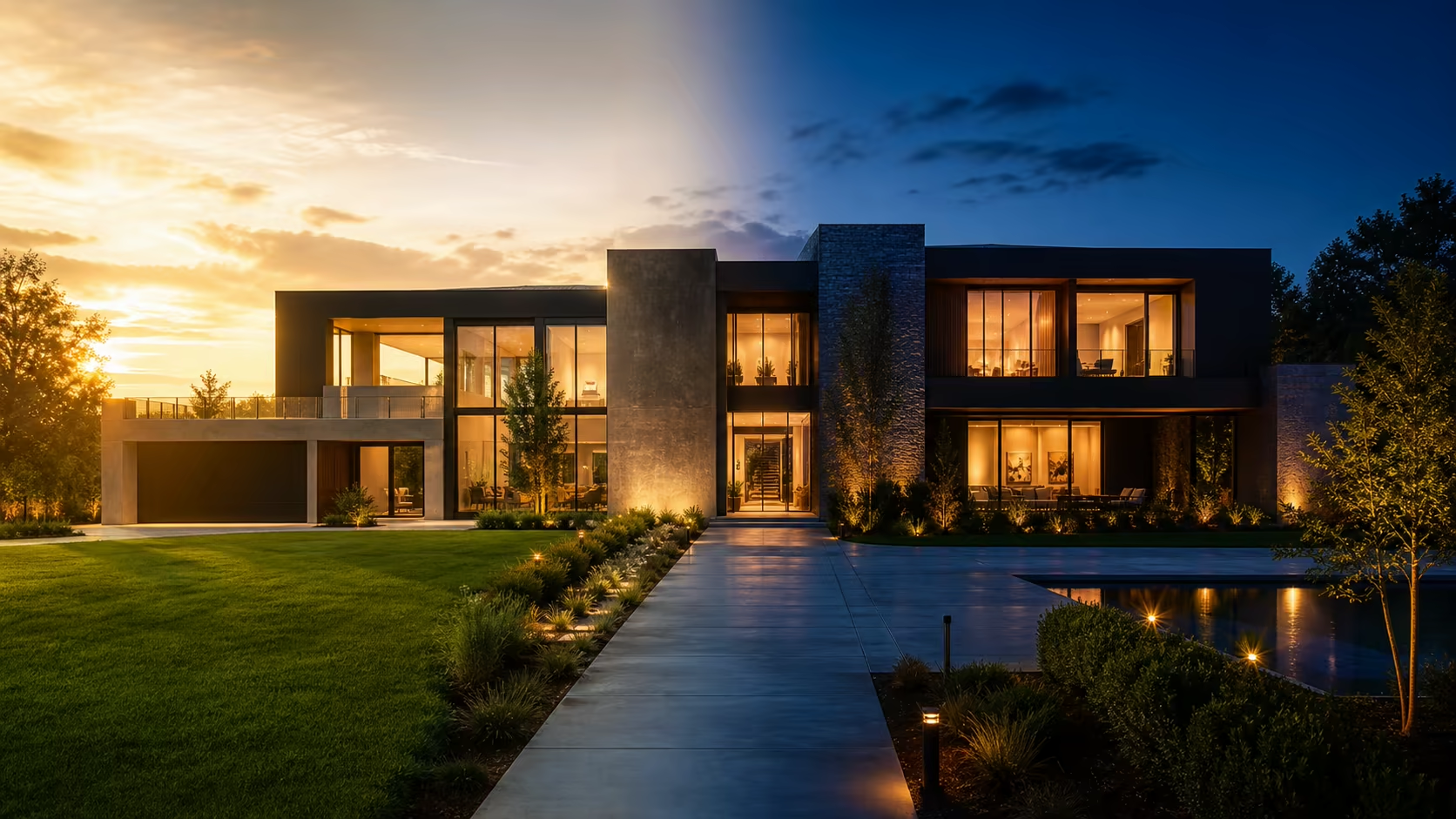
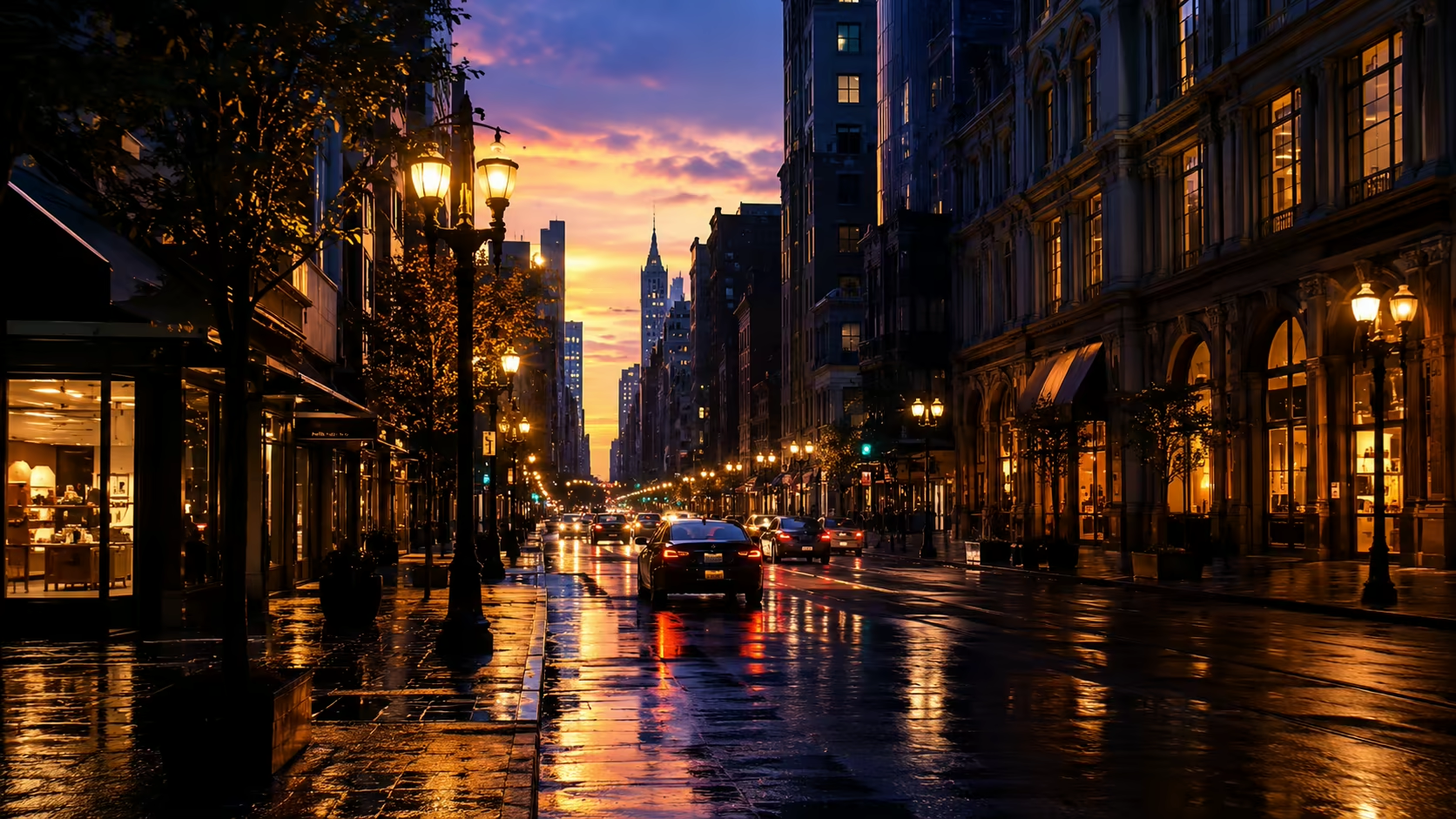
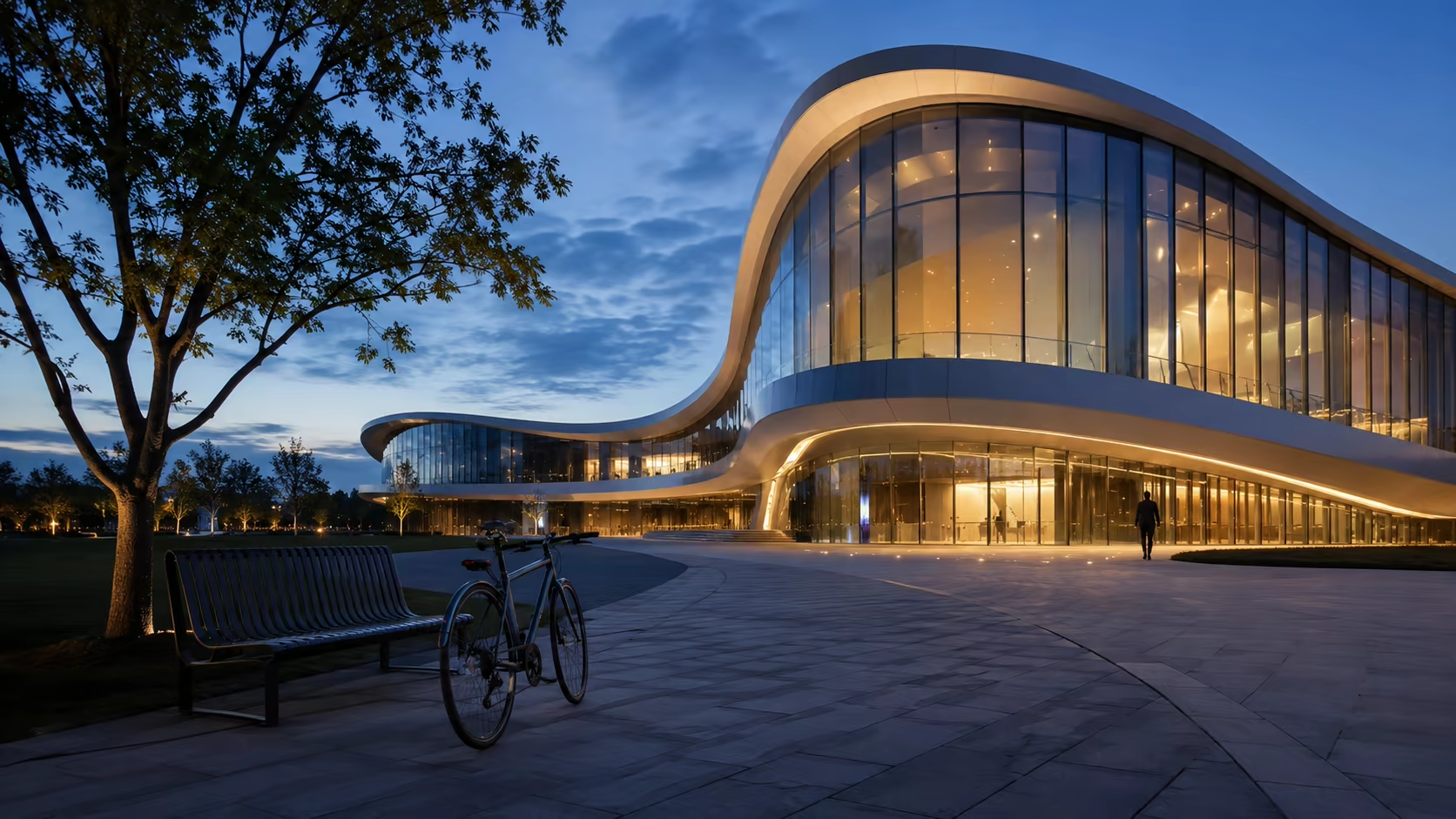
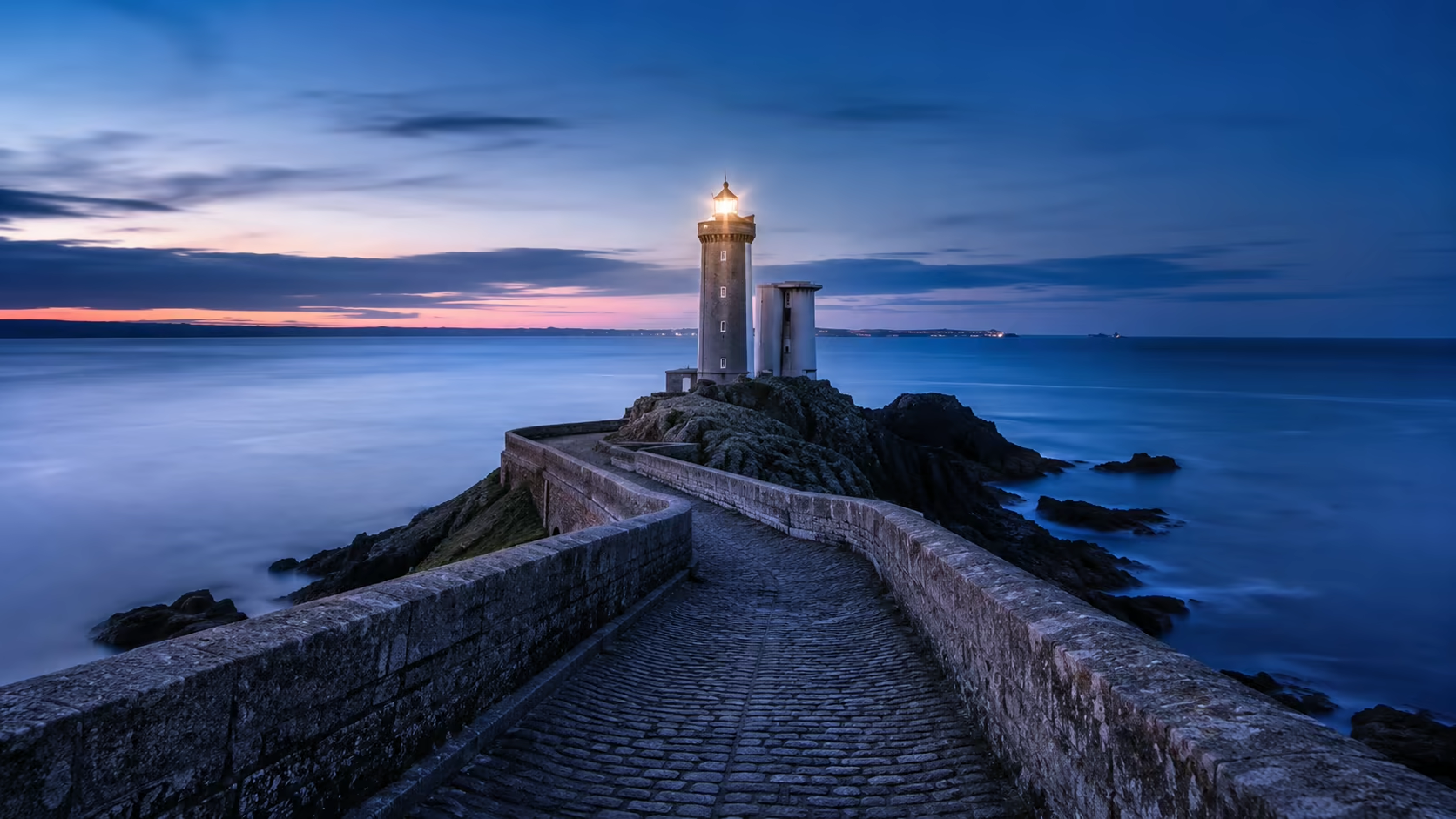
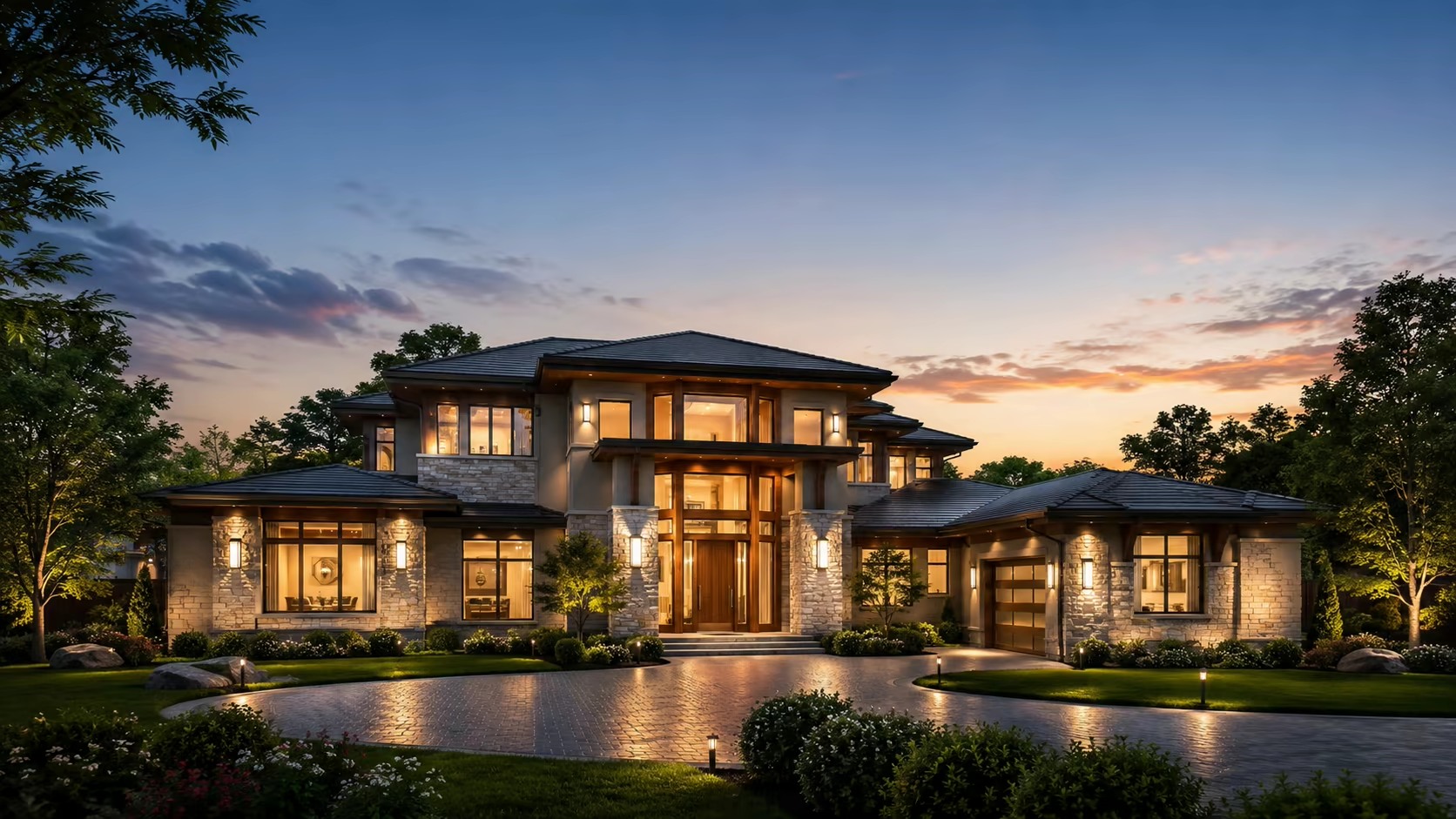
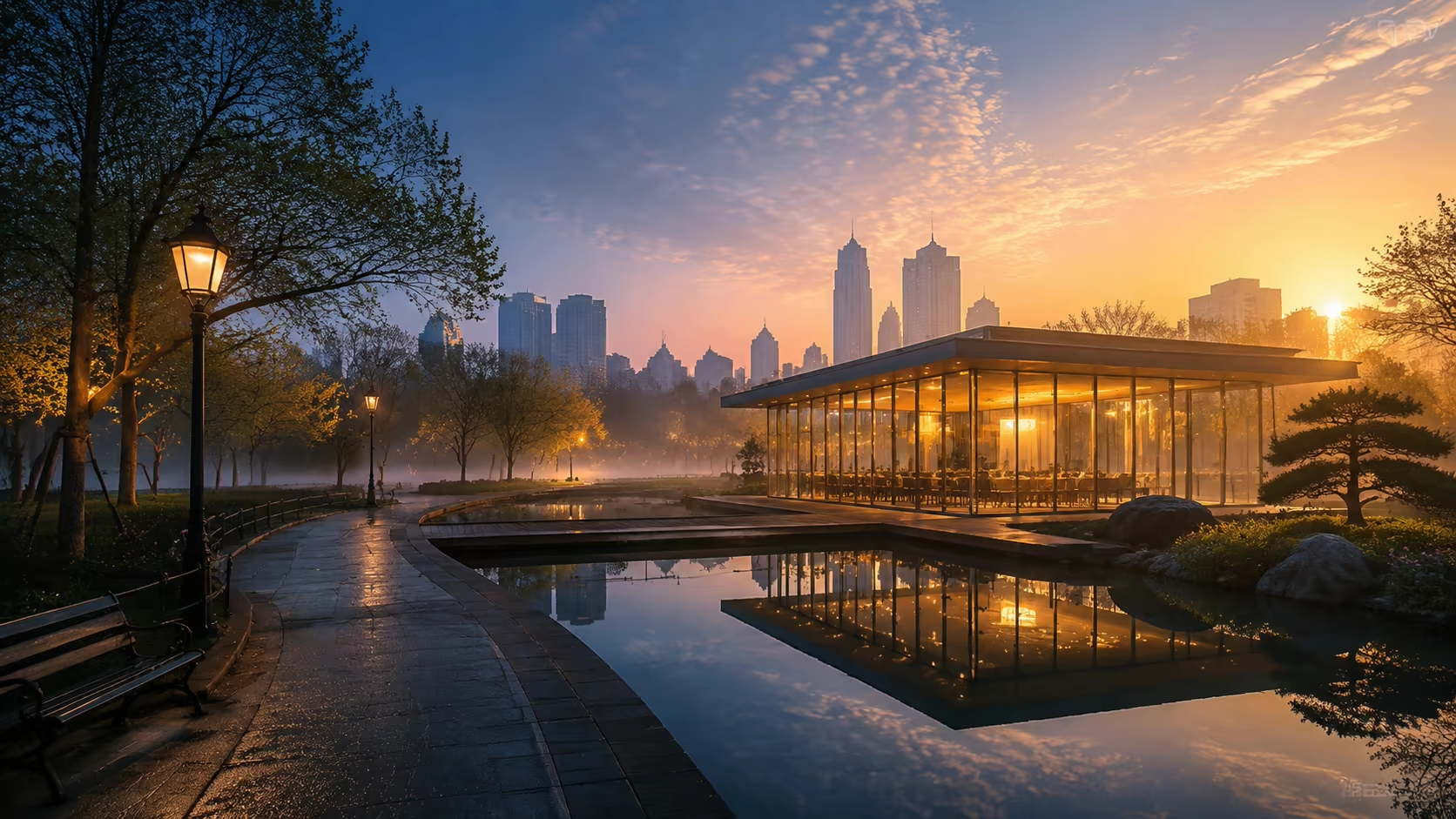
This day to night video generator creates a short AI transition from two images that define exactly where the shot begins and ends. Upload a daytime frame and a compatible night frame, then describe how the sky, windows, practical lights, reflections, and atmosphere should change between them.
First and last frame controlHorizontal or vertical outputCredit estimate before generationNo visible watermark
First Frame
Last Frame
1.5credits
Sign-in is required to generate. Eligible new accounts currently receive signup credits, and the estimated credit cost is shown before submission.
What makes the transition believable
How a Day to Night Video Generator Keeps the Transition Believable
A convincing result depends on compatible frames and observable lighting changes. The generator creates the motion between your endpoints; your images and prompt define what should remain stable.
Anchor the exact daytime and night compositions
First-and-last-frame generation gives the model both visual endpoints. This is useful when a building, landscape, person, or camera angle must arrive at a specific nighttime look instead of an invented result.
Try this direction
“Keep the camera position, architecture, horizon, and main subject unchanged throughout the transition.”
Direct the order of the lighting change
Tell the model whether the sky darkens first, windows illuminate gradually, streetlights activate, headlights appear, or reflections become stronger. A clear sequence is easier to follow than asking everything to change at once.
Try this direction
“Move from golden hour to blue hour, then illuminate windows and path lights during the final third.”
Preserve buildings, people, and important objects
Use frames with matching geometry and subject placement. Explicitly name the features that must not morph, such as rooflines, signage, parked vehicles, faces, clothing, or product silhouettes.
Try this direction
“Do not alter the building facade, window count, landscaping, signage, or camera framing.”
Choose a static or moving camera
A locked camera is usually the safest choice for architectural and landscape transformations. If both frames support it, a slow push-in or tracking move can add depth without distracting from the passage of time.
Try this direction
“Use a very slow, stable push-in with no tilt, roll, crop, or sudden reframing.”
Build for real estate, travel, and social formats
Use horizontal framing for listing pages and presentation screens, or prepare matching vertical frames for Reels, Shorts, and TikTok. The source pair should already be composed for the destination ratio.
Try this direction
“Keep the house centered with safe space above the roofline for a 9:16 social crop.”
Generate a night-to-day transition too
Reverse the frame order and prompt a gradual sunrise, fading practical lights, increasing sky brightness, and natural shadow development when the story calls for morning instead of evening.
Try this direction
“Transition from blue hour into early morning as artificial lights fade and warm sunlight reaches the facade.”
How to make a day-to-night video
Use the Day to Night Video Generator in Three Controlled Steps
Prepare compatible endpoint images before generating. The closer their geometry and framing match, the less the model has to invent.
01
Upload matching day and night frames
Use the same scene, viewpoint, aspect ratio, and major subject placement. Avoid moving or replacing large objects between frames unless that change is intentional.
02
Describe light, sky, and camera changes
Write the transition in visible order. Include the camera behavior and list the architecture, landscape, people, or products that should remain unchanged.
03
Review, generate, and inspect continuity
Confirm ratio and credit estimate, generate the clip, then check geometry, small text, faces, light sources, and the final-frame match before downloading.
Where this effect fits
Practical day-to-night transition ideas
Use the short transition as a visual beat inside a listing, campaign, travel edit, storyboard, or social post.
Real estate twilight videos
Show a property exterior in daylight and at blue hour while keeping the architecture and landscaping recognizable.
Travel and destination clips
Move a landmark, skyline, beach, or mountain view from daytime activity into evening atmosphere.
City and architecture concepts
Visualize how facade lighting, windows, signs, paths, and public spaces read after dark.
Product mood transitions
Shift a product scene from bright natural light into a controlled night campaign look without changing the hero composition.
Story passage-of-time shots
Use a day-to-night clip as a concise establishing shot between two narrative moments.
Vertical social reveals
Create a visually readable lighting transformation for Reels, Shorts, and TikTok when a fast passage of time is the hook.
Why use this workflow
A specific ending gives the AI a clearer target
The Day to Night Video Generator starts with two endpoints so you can choose the exact visual destination instead of accepting an invented night look.
Two-frame control
Provide both the daytime source and the nighttime destination instead of relying only on a generic night prompt.
Prompt-guided pacing
Describe which lighting changes happen first, what remains stable, and whether the camera moves.
Generation details before submission
Review the available model, ratio, and estimated credit cost before starting the job.
Clean downloadable result
Download the completed short clip without a visible Voe AI watermark covering the scene.
Copyable prompt patterns
Day-to-night video prompts for different scenes
Adapt one Day to Night Video Generator prompt to what is visible in your frames. Keep changes sequential and name the elements that must stay fixed.
Property blue hour
“Create a smooth day-to-night transition for this property. Keep the camera, facade, roofline, windows, driveway, and landscaping unchanged. The sky moves from late afternoon to blue hour, interior windows warm gradually, and exterior path lights activate naturally.”
Urban street
“Preserve the street geometry and storefronts while daylight fades into night. Streetlights turn on in sequence, vehicle headlights appear, signs glow without changing text, and wet pavement develops subtle realistic reflections. Locked camera.”
Sunset landscape
“Keep the horizon, mountains, lake, and foreground still. Transition slowly from warm sunset to deep blue night, reveal restrained stars, and add a faint moon reflection with no sudden weather or camera changes.”
Travel landmark
“Move this landmark from bright afternoon into an elegant evening scene. Preserve the structure and camera angle, reduce crowd motion gradually, illuminate architectural lights, and keep the transition cinematic and realistic.”
Vertical social version
“Create a clear 9:16 day-to-night reveal. Keep the central subject stable, accelerate the sky and light change through the middle, then hold the finished night look briefly at the end. No camera shake or reframing.”
Night to sunrise
“Reverse the passage of time from blue-hour night to early morning. Artificial lights fade, the sky brightens gradually, warm sunlight reaches the scene, and natural shadows form while all objects and framing stay unchanged.”
Frequently asked questions
Day to night video generator FAQ
What is an AI day to night video generator?
An AI day to night video generator creates a short clip in which a scene changes from daylight to evening or night. This page uses a first-and-last-frame workflow: you provide both endpoint images and a prompt that describes the lighting and motion between them.
Can I make a day-to-night transition from one photo?
Some image-to-video models can invent a night look from one image, but the result is less controlled. This page is designed for two compatible frames so you can define the exact nighttime composition. Use the related image-to-video page if you only have one source photo.
How should the day and night images match?
Use the same viewpoint, crop, aspect ratio, and major object placement. Small lighting and atmosphere differences are expected; large changes in architecture, camera position, people, or furniture make a smooth transition harder.
Can I create a night-to-day or sunrise video?
Yes. Place the night image first and the daylight image last, then describe fading artificial lights, increasing sky brightness, sunrise color, and developing natural shadows.
Does this create a real recorded timelapse?
No. It generates a new short transition between supplied frames. Treat it as a creative AI shot, not documentary footage of an actual location or event.
Why do buildings or signs change during the transition?
Generative video may reinterpret small geometry and text. Use closely matched frames, a locked-camera prompt, and explicit preservation instructions. Always review signs, windows, logos, faces, and other important details frame by frame.
Can I use it for real estate marketing?
You can create a visual transition for a listing or campaign, but it should not misrepresent a property. Confirm that structural details and lighting claims are accurate and disclose AI-generated imagery when required by your platform or local rules.
Is the day-to-night video generator free?
Eligible accounts may receive starting or daily credits. The current model and estimated credit cost are shown before generation; use is not promised to be free or unlimited.
Related video workflows
Use the input mode that matches your scene
Choose one image when the ending can be invented, two frames when the destination matters, or explore another focused transition page.