Create video in your browser

AI Video Generator Online

Turn a written idea into a finished video without installing editing software. This AI video generator online lets you describe the subject, action, camera movement, lighting, and mood, then review the model options and estimated credit cost before you generate. Start with text here, or choose a dedicated image, frame, reference, or audio workflow for more precise control.

Free credits after sign-inNo visible watermarkStart online — no installationCredit cost shown before generation
3credits

Sign-in is required to generate. Eligible new accounts currently receive signup credits, and the estimated credit cost is shown before submission.

Video gallery

Made with AI

What you can create

One video platform for ideas, images, references, and sound

Start with the input you already have and move into a purpose-built workflow. Each mode solves a different video-generation problem, so you can use the right controls instead of forcing every idea through the same form.

Generate video from a written scene

Describe the subject, action, setting, camera, lighting, and style in plain language. The online generator turns that direction into a new video, making it useful for concept shots, visual experiments, social clips, and early story development.

Try this direction

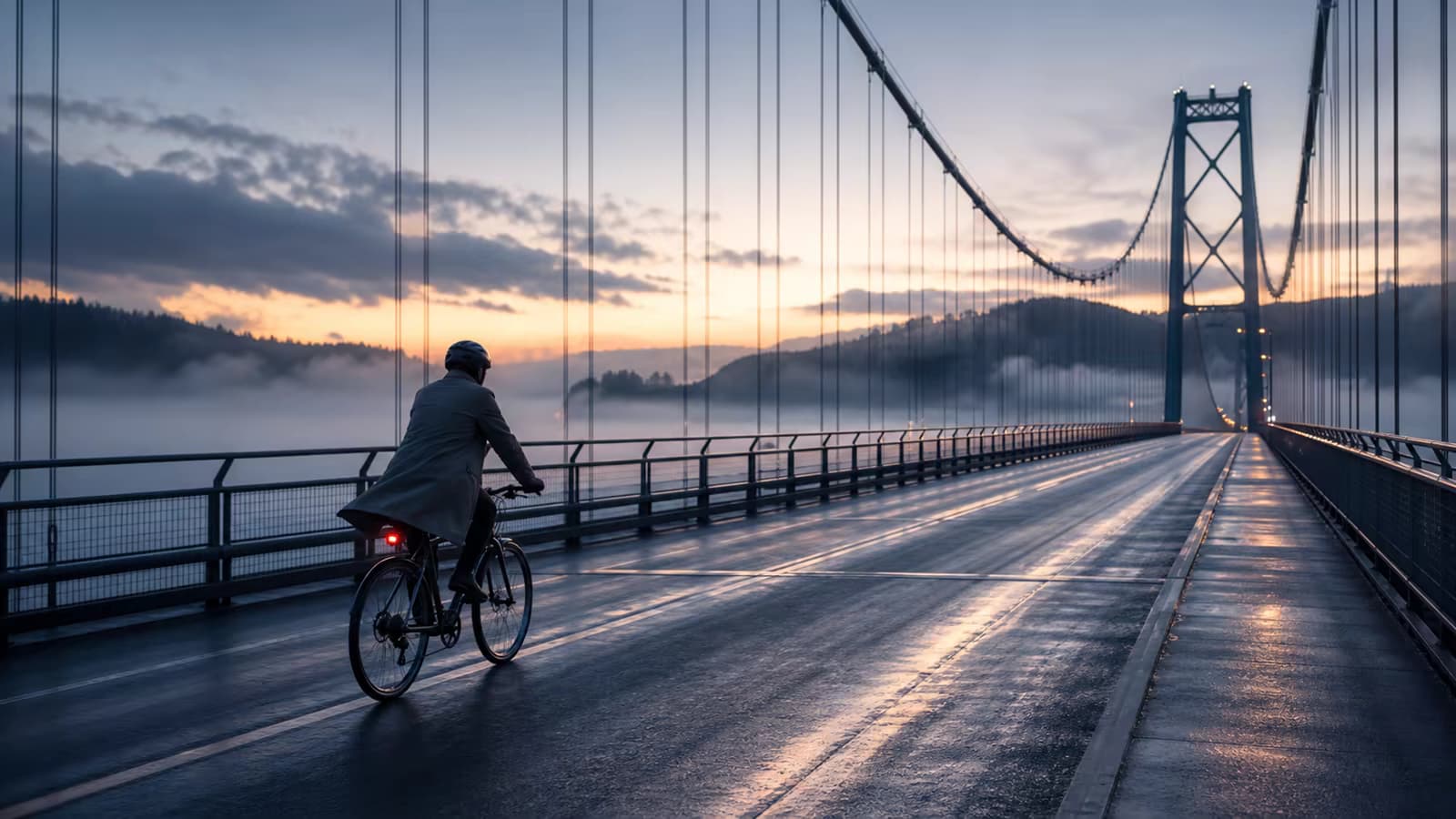
A cyclist crosses an empty bridge at dawn, side tracking shot, cool mist, realistic motion, quiet cinematic mood.

Generate video from a written scene capability preview

Animate a photo or product image

When composition and visual identity already exist in a source image, use the dedicated image-to-video workflow. Add subject motion and camera direction while keeping the original image as the visual starting point.

Try this direction

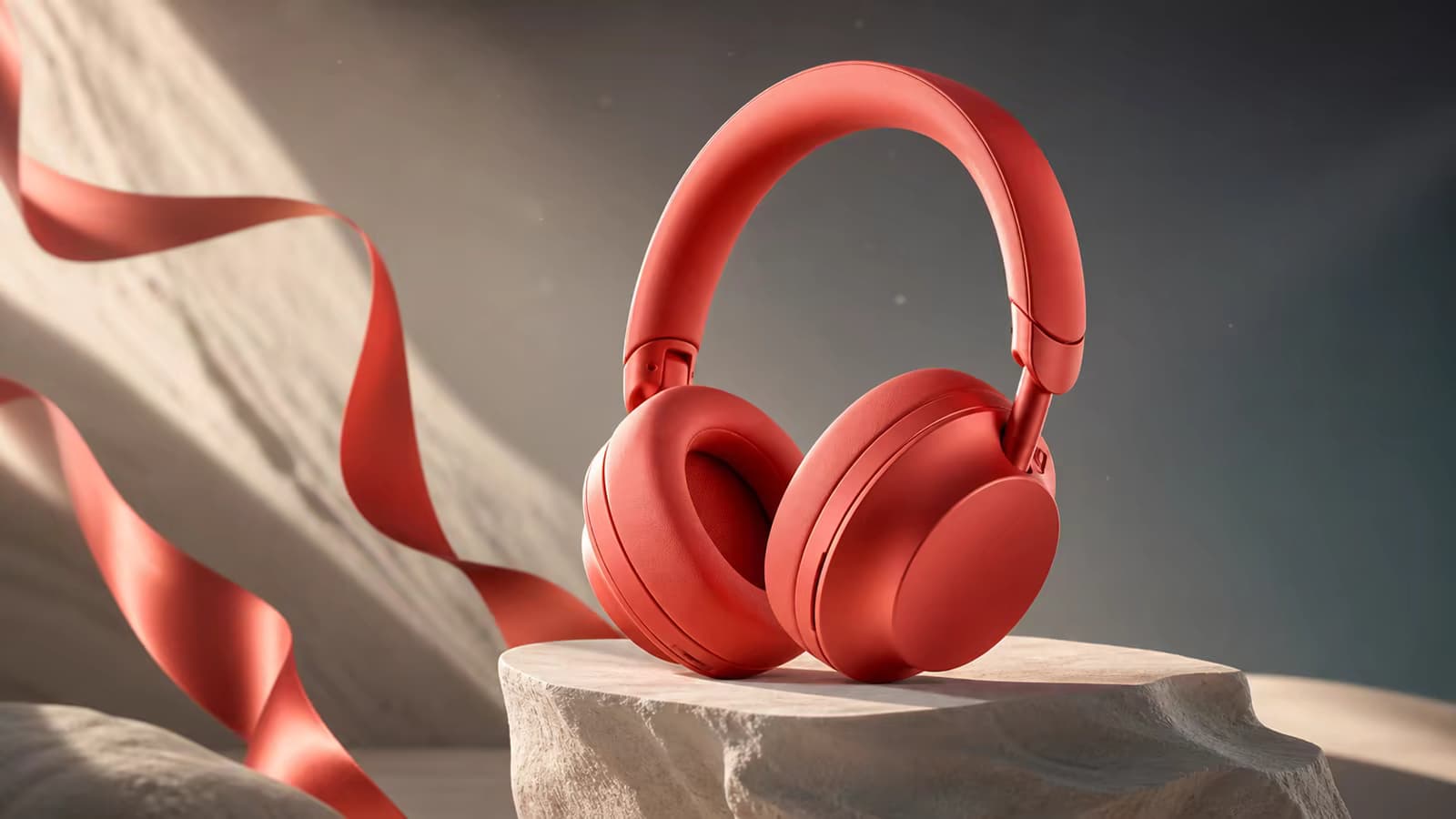
Keep the product shape and label stable; add a slow clockwise turntable movement and a gentle camera push-in.

Animate a photo or product image capability preview

Guide both the opening and ending frame

Use first-and-last-frame generation for transitions, transformations, product reveals, and shots that need a planned destination. Two endpoint images give the model a clearer beginning and ending than a text-only prompt.

Try this direction

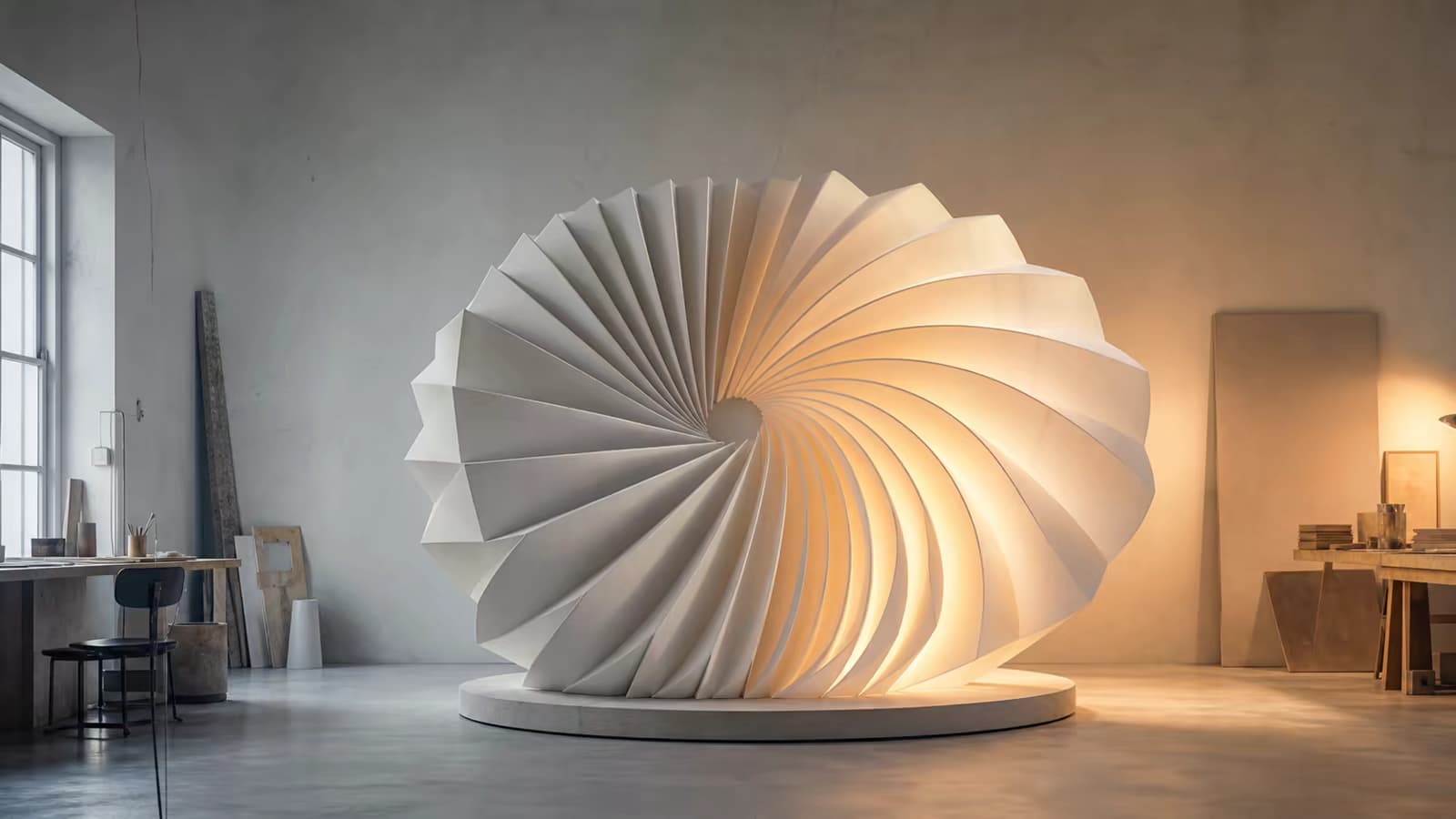
Move gradually from the daylight frame to the illuminated night frame with one continuous forward camera move.

Guide both the opening and ending frame capability preview

Use references for characters, objects, and style

Reference-to-video is designed for shots that need recognizable people, products, objects, or visual direction across a new scene. Supply one or more references, then describe the new action and environment you want.

Try this direction

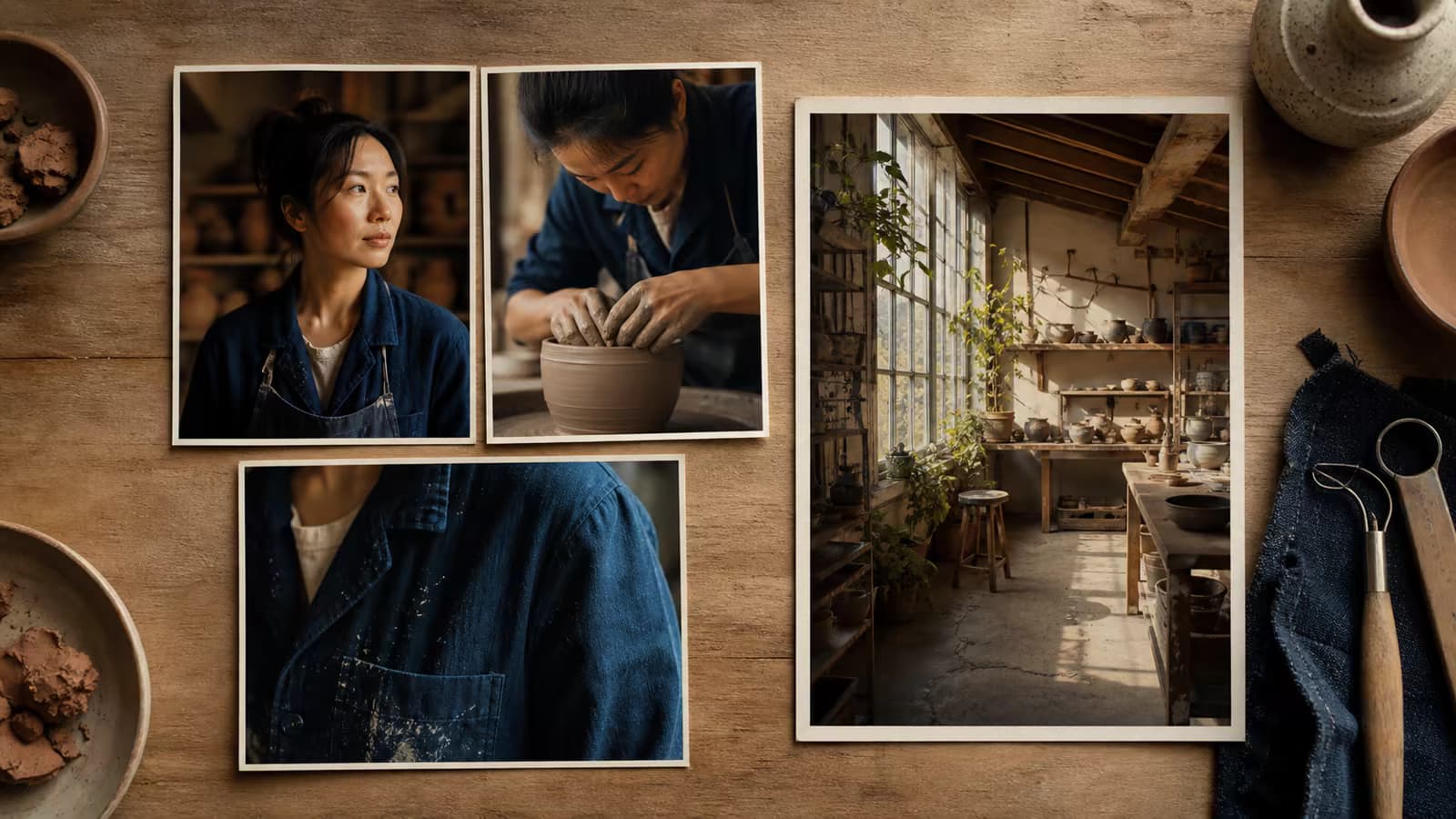
Use the reference for the character’s clothing and facial features; place them walking through a bright modern train station.

Use references for characters, objects, and style capability preview

Create video with sound on supported models

Choose a sound-capable workflow when the scene needs dialogue, ambience, music, or effects. Audio support and its estimated credit impact remain visible before submission, so you can decide whether sound belongs in the same generation.

Try this direction

A barista places a cup on the counter and says, “Your morning starts here,” with soft café ambience and ceramic sounds.

Create video with sound on supported models capability preview
How it works

Create an AI video online in three steps

Start in the browser, describe the result you want, and confirm the visible options before moving into the full workspace.

1

Describe the scene

Write the subject, action, environment, camera movement, lighting, and mood. A specific prompt gives the model more useful direction.

2

Review the video settings

Confirm the selected model and available ratio, duration, resolution, or sound options. The estimated credit cost appears before generation.

3

Generate and download

Sign in, generate in the workspace, review the result, and download the finished video without a visible watermark.

Built for real tasks

Ways to use an online AI video generator

Use short generations to explore an idea, communicate visual direction, or produce a focused clip for an existing content workflow.

Social media concepts

Prototype vertical hooks, atmospheric B-roll, short narrative moments, and visual directions for social campaigns.

Product visualization

Explore studio movement, reveal shots, launch concepts, and product environments before a full production shoot.

Story and previsualization

Turn scene descriptions into moving references for shot planning, pitches, storyboards, and creative conversations.

Creative advertising

Test campaign moods, visual metaphors, camera ideas, and alternate creative directions with compact video prompts.

Image animation

Give portraits, illustrations, environments, and product images a clear motion idea through the dedicated image workflow.

Video experiments

Compare prompts, models, framing, and pacing without installing a local generation stack or editing application.

Why Voe AI

Clear choices before you generate

The workflow is designed to help you choose a suitable input mode and understand the practical generation options before credits are used.

Free starting credits

Sign in to access available free credits and see whether your selected generation fits the current balance.

No visible watermark

Completed videos can be downloaded without a visible platform watermark covering the generated scene.

Multiple video workflows

Move beyond text prompts with dedicated image, frame, reference, editing, and sound-capable task pages.

Upfront credit estimate

Model and parameter choices update the estimated credit cost before a generation request is submitted.

Practical details

What to know before generating

Generation time and credit use depend on the selected model and settings. These compact facts set realistic expectations without interrupting the creative workflow.

Access

Online in your browser

No local model setup or video editor is required to start.

Free use

Credits after sign-in

Availability and balance are shown in your account; free use is not unlimited.

Watermark

No visible watermark

The downloaded frame is not covered by a visible Voe AI mark.

Timing

Varies by model

Start instantly online; completion is not guaranteed in a fixed number of seconds.

Prompt examples

Copy a structure, then make it yours

Good video prompts establish the subject, visible action, environment, camera behavior, lighting, and style. Keep instructions observable and avoid conflicting movements.

Cinematic landscape

A lone hiker crosses a black-sand beach beneath low clouds, waves moving in the distance, slow crane shot rising behind the subject, muted natural color, cinematic realism.

Product shot

A transparent glass fragrance bottle on pale limestone, sunlight passes through the glass and casts moving reflections, slow controlled orbit, premium commercial lighting.

Vertical social clip

A colorful paper city unfolds from a notebook on a desk, quick but smooth push-in, playful stop-motion feel, bright daylight, centered 9:16 composition.

Character moment

An elderly astronomer opens a small observatory dome and looks up as the night sky appears, medium tracking shot, warm interior light against deep blue stars, quiet wonder.

Frequently asked questions

AI video generator online FAQ

What is an AI video generator online?
An AI video generator online turns a text prompt, image, endpoint frames, or references into a new video through a browser-based service. Voe AI provides task-specific workflows so the input and controls can match the type of shot you want to create.
Can I try the AI video generator for free?
You can sign in to receive available free credits and check your balance before generating. Free credits are limited and may not cover every model, duration, resolution, or audio option.
Do generated videos have a watermark?
Voe AI downloads do not include a visible platform watermark covering the video. This statement refers to a visible mark on the output and does not make claims about any underlying model provenance metadata.
Does online mean the video is generated instantly?
You can start the workflow immediately in your browser, but generation completion is not instant or guaranteed within a fixed time. Processing time varies with the model, settings, demand, and provider status.
Can I turn an image into a video?
Yes. Use the dedicated Image to Video AI Generator when you want a source image to define the starting composition. It provides a clearer workflow than describing an existing image only through text.
Can I control both the first and last frame?
Yes. The First and Last Frame Video Generator accepts two endpoint images and a prompt describing what should happen between them. Complex differences between the endpoints can still make a transition harder to generate.
Can the AI video generator create sound?
Supported models can generate video with audio options such as dialogue, ambience, music, or sound effects. Audio availability depends on the selected model and task, and generated speech or synchronization may contain errors.
How should I write a better AI video prompt?
Describe one clear subject and action, then add the environment, camera movement, lighting, and visual style. Prefer visible instructions such as “slow push-in” or “hair moves in a light breeze” and remove movements that contradict each other.
Create your first shot

Start generating video online

Describe a clear scene, review the model and credit estimate, then continue in the workspace. No software installation is required.