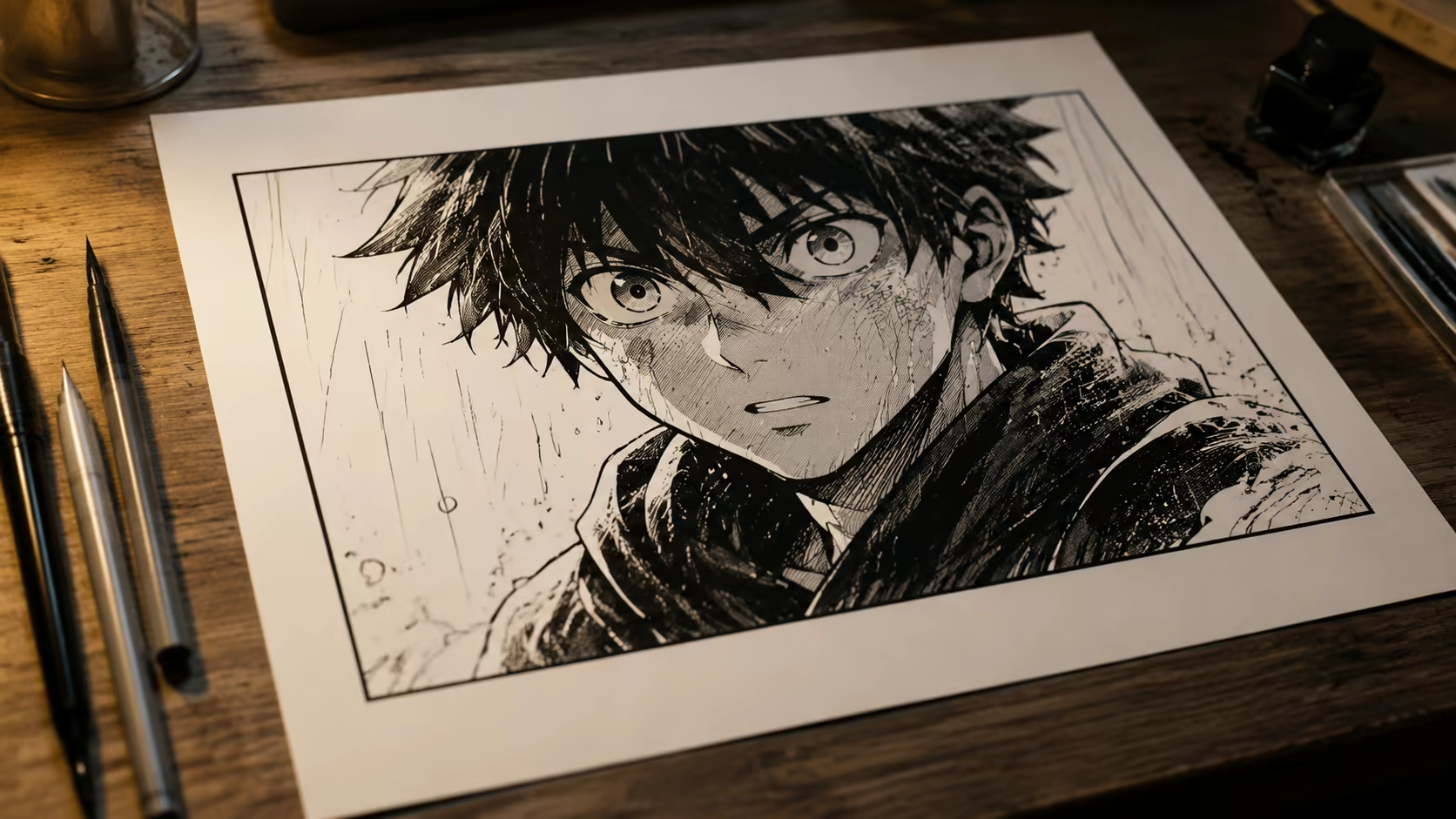
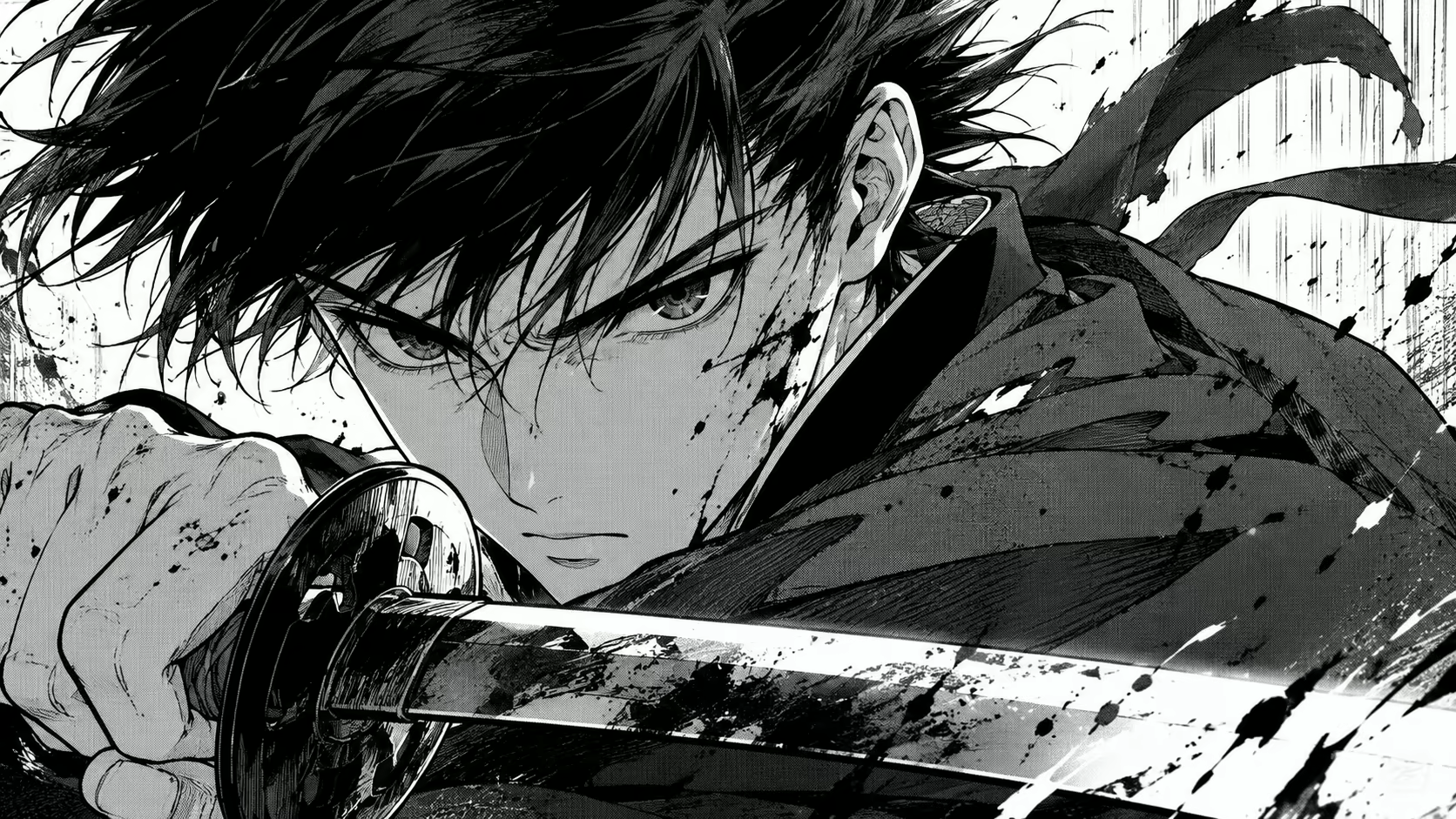
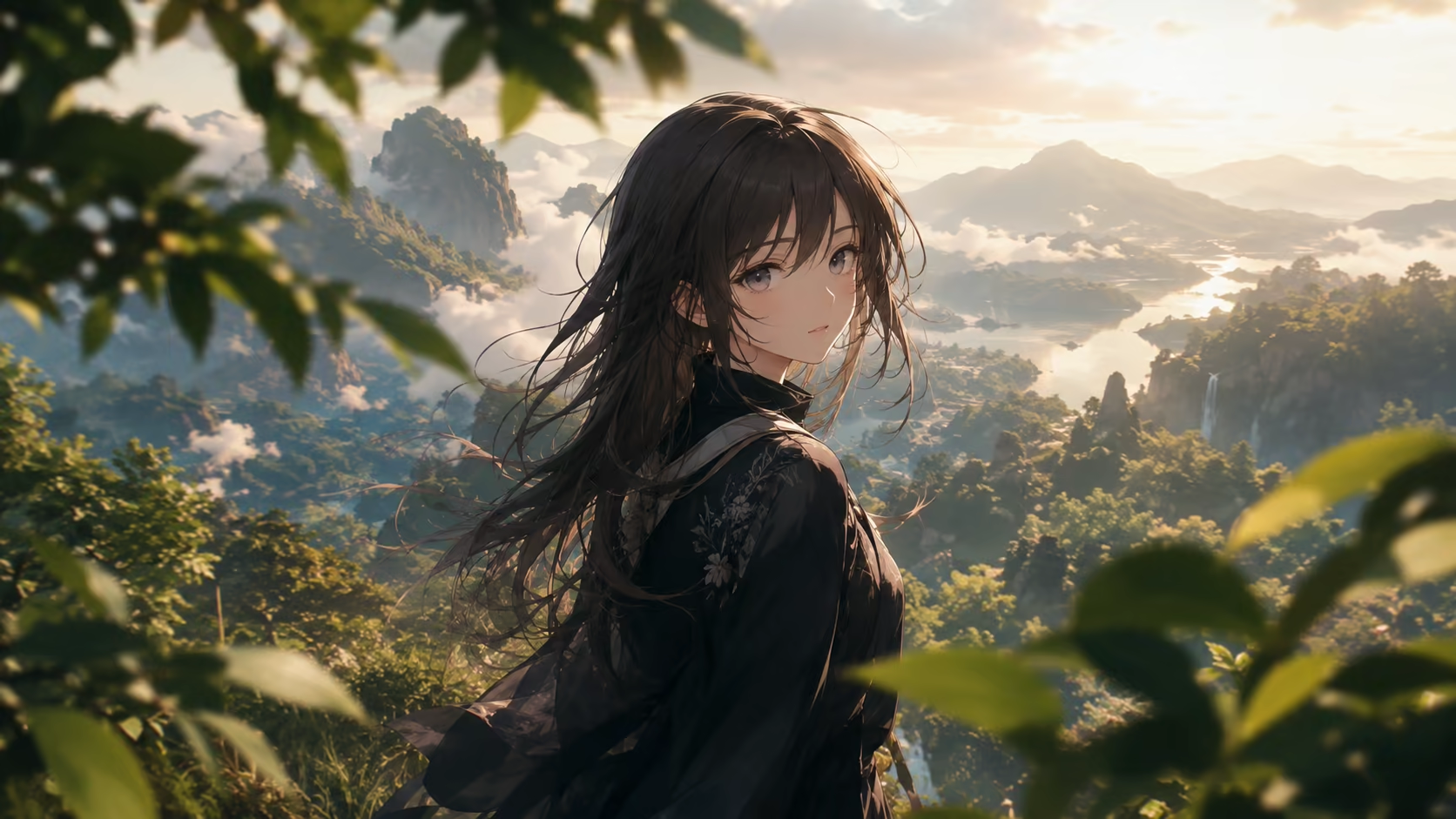
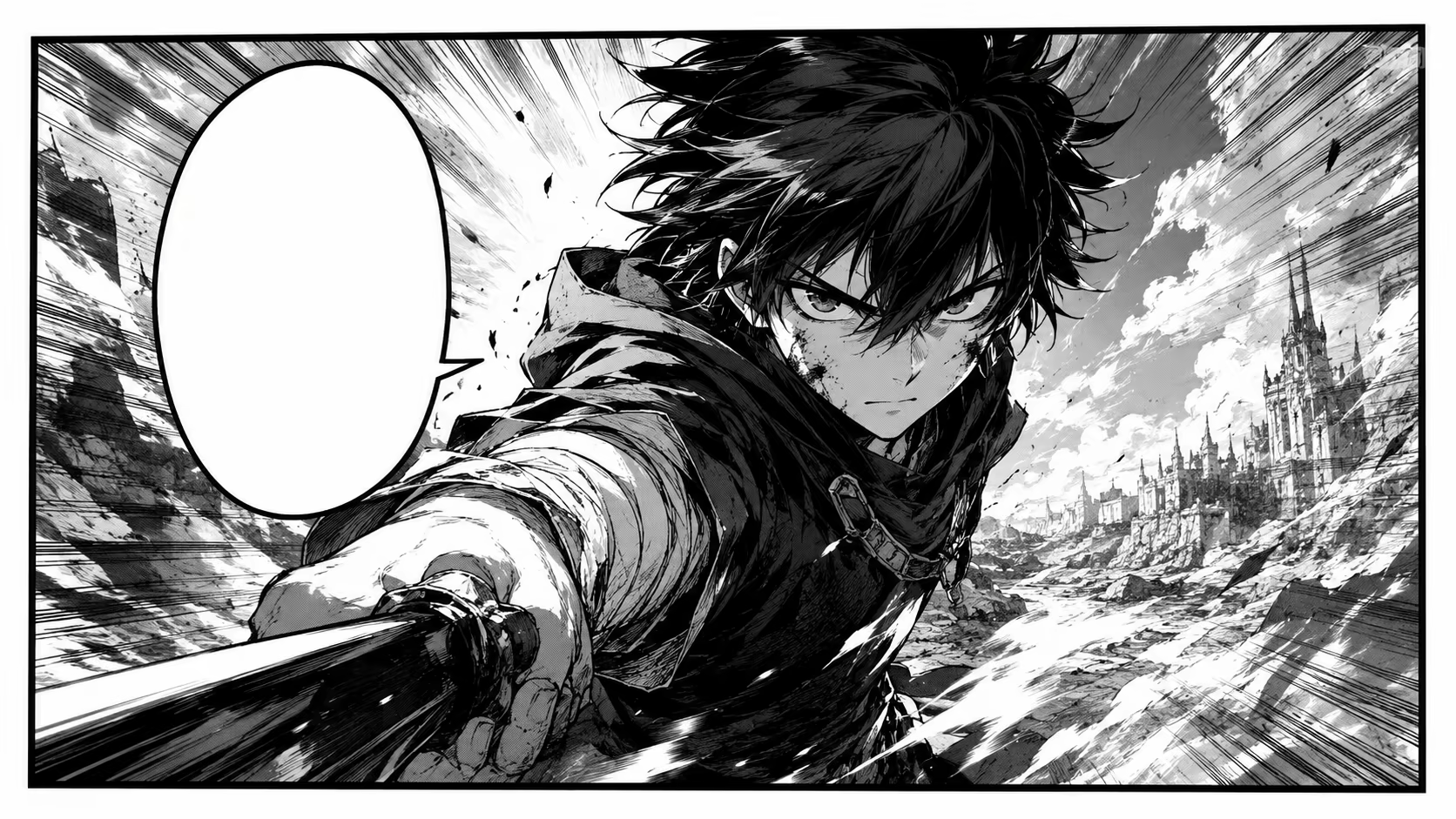
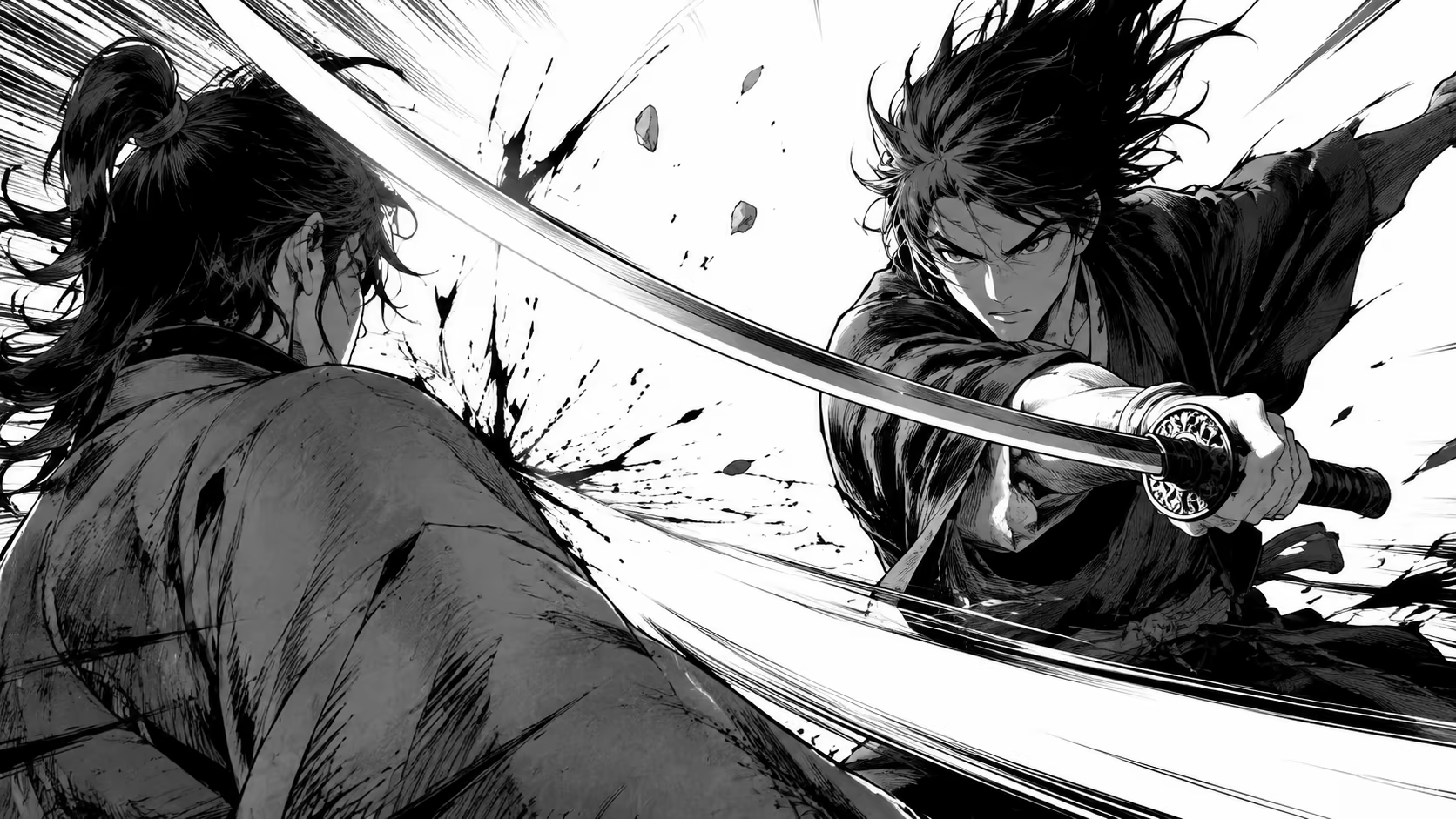
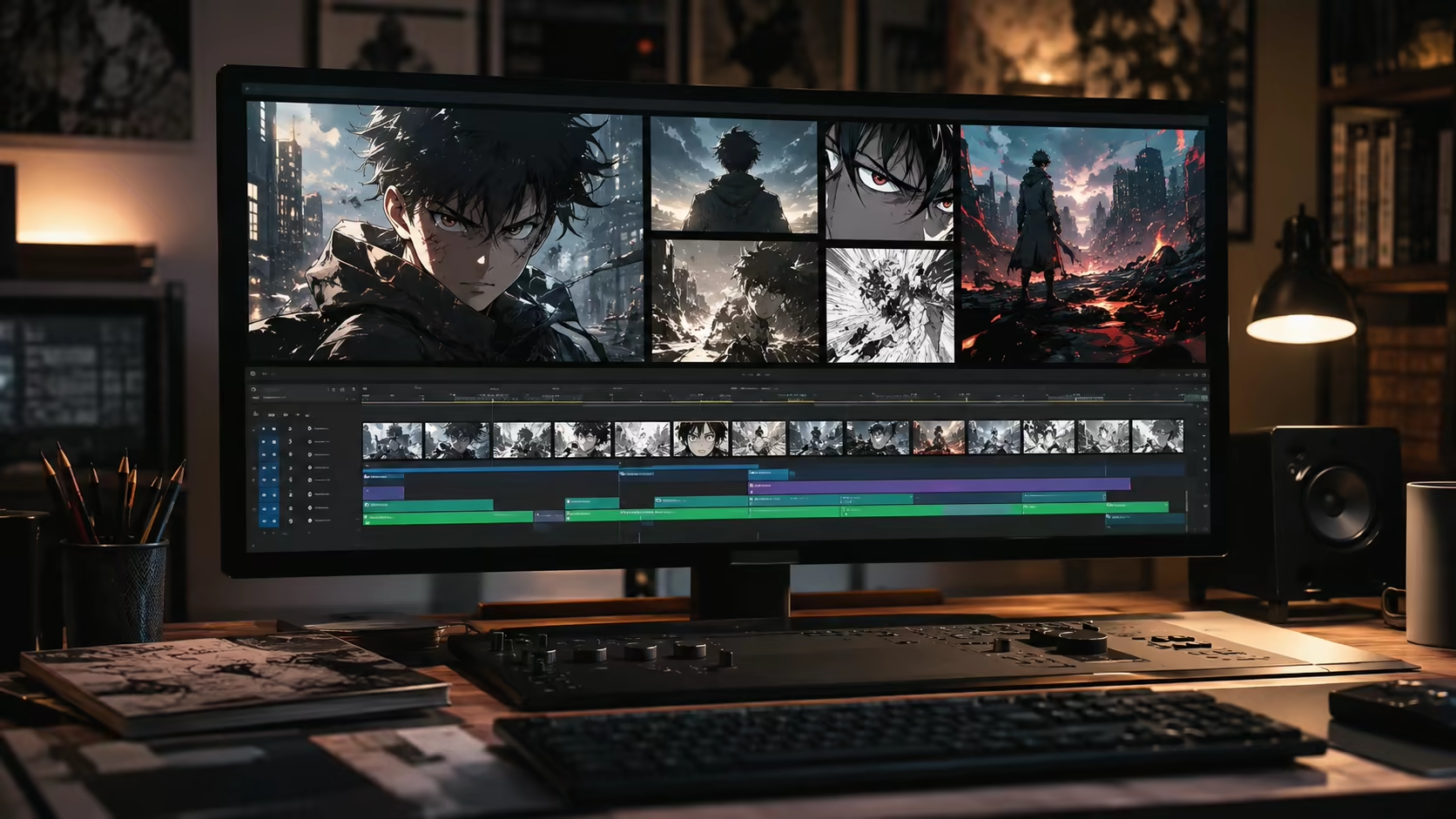
Animate Manga Panel with AI by uploading one manga, comic, webtoon, or manhwa image as the starting frame. Prompt subtle character movement, parallax depth, atmosphere, speed lines, impact motion, or a controlled camera move while reinforcing the original line art, screen tones, palette, and composition.
One panel or character illustrationPrompt-guided style preservationShort social and trailer clipsCredit estimate before generation
3credits
Sign-in is required to generate. Eligible new accounts currently receive signup credits, and the estimated credit cost is shown before submission.
Animate without overpromising
Animate Manga Panel with AI Without Promising a Full Episode
This workflow is strongest when one cropped panel becomes one focused shot. Longer motion comics require several generations, editing, pacing, captions, and audio outside this page.
Crop one clear panel before uploading
A full manga page contains competing frames, borders, text, and characters. Crop to one panel with a clear focal subject so the model knows which visual space should become the video frame.
Try this direction
“Animate only this single cropped panel; do not create additional panels, borders, or page layouts.”
Reinforce line art, tones, palette, and anatomy
Name the source qualities that matter instead of only saying “anime style.” Ask to preserve black ink, screen tones, color treatment, facial design, costume, and proportions throughout the motion.
Try this direction
“Preserve the exact line weight, monochrome screen tones, facial design, clothing, and original composition.”
Separate subject motion from camera motion
Decide whether the panel needs character movement, environmental movement, parallax, or a camera move. One main subject action plus one restrained camera instruction is usually easier to control.
Try this direction
“The character blinks and hair moves gently; camera makes one slow push-in with no pan or rotation.”
Keep lettering and speech bubbles static
Small text can warp when the surrounding image moves. If dialogue must remain visible, ask for a locked bubble and minimal motion around it, then inspect every frame or add the lettering again during editing.
Try this direction
“Keep the speech bubble, borders, and lettering perfectly still; animate only the character and background atmosphere.”
Add action without losing readability
For an impact panel, continue only the visible motion and use existing cues such as speed lines, debris, fabric, hair, and camera shake. A complete fight sequence requires multiple shots.
Try this direction
“Continue the visible sword swing for one beat, intensify the speed lines, then settle on the original pose.”
Prepare clips for trailers and motion comics
Generate key panels individually, then assemble them in a video editor with timing, transitions, captions, voice, and music. This preserves control over the overall story rhythm.
Try this direction
“Hold the composition at the beginning and end so this shot can be cut cleanly into a motion-comic sequence.”
How to animate manga panels
Animate Manga Panel with AI in Three Focused Steps
Use artwork you created or have permission to animate. The source panel anchors the look; the prompt defines what moves and what must remain unchanged.
01
Crop and upload one authorized panel
Select a high-resolution panel with a clear main subject. Remove neighboring panels when possible and confirm that you have the rights needed to transform the artwork.
02
Describe style, subject, camera, and atmosphere
State what must remain faithful to the drawing, then add one subject action, one camera instruction, and optional environmental motion.
03
Review style, anatomy, and text stability
Inspect faces, hands, costume details, lines, tones, speech bubbles, and borders. Simplify the prompt or crop tighter if the panel drifts or only produces a flat zoom.
Where animated panels fit
Short-form uses for manga, comic, and webtoon motion
One generated panel is a shot. Combine several shots in an editor when the final deliverable needs a complete trailer, recap, or motion comic.
Manga and webtoon teasers
Animate a reveal, expression, or action panel as a compact hook for a chapter or series announcement.
Motion-comic shots
Generate selected panels one at a time, then control timing, dialogue, and transitions during assembly.
Character-art animation
Add blinking, breathing, hair, clothing, and atmospheric motion to an original illustrated character.
Action-panel experiments
Explore a brief impact, spell, power-up, or camera shake without asking one image to become a full fight.
Pitch and concept reels
Create short moving references for a creator pitch, adaptation discussion, or visual-development presentation.
Social edits and fan work
Use only artwork you may transform, respect creator and platform rules, and label AI-generated motion where appropriate.
Why use a panel-specific workflow
Start with the source artwork instead of regenerating the scene
Animate Manga Panel with AI from the uploaded artwork so its composition stays anchored while prompts focus on motion, camera, and comic-art failure points.
The panel is the starting frame
Upload the exact art you want to animate rather than recreating the character and composition from text.
Style-aware prompting
Explicitly preserve line art, screen tones, palette, anatomy, lettering, and panel composition.
Short adjustable generations
Review available duration and resolution settings plus the credit estimate before submitting.
Clean output for editing
Download without a visible Voe AI watermark, then assemble clips and restore text in your preferred editor.
Manga animation prompts
Copy a prompt for subtle motion, parallax, or action
To Animate Manga Panel with AI, replace the visual details with what is already present and keep style-preservation instructions near the start.
Quiet close-up
“Preserve the exact black-and-white manga line art, screen tones, facial design, and composition. The character blinks once and breathes subtly while a few hair strands move. Locked camera; speech bubble and lettering remain completely static.”
Webtoon parallax
“Keep the original color webtoon palette, shading, character proportions, and panel composition. Add gentle foreground-to-background parallax, drifting dust, and one slow camera push toward the character. No photorealistic conversion.”
Wind and atmosphere
“Animate only the visible hair, coat edge, leaves, and light rain. Preserve all line work, anatomy, tones, background structures, and text. The character holds the same pose; camera remains locked.”
Action impact
“Continue the visible strike for one short impact beat. Preserve the original drawing style, anatomy, costume, and composition; intensify existing speed lines, add brief controlled camera shake and small debris, then settle. No new attack sequence.”
Power-up panel
“Keep the exact manga character design and pose. Energy builds around the body, clothing and hair react slightly, existing ink effects brighten, and the camera pushes in slowly. Do not change the face, anatomy, line style, or background layout.”
Motion-comic hold
“Preserve this single comic panel. Hold the opening composition, animate a subtle expression change and atmospheric background motion, then return to a stable final composition suitable for editing into a motion comic. Keep all text static.”
Frequently asked questions
Animate manga panel with AI FAQ
How can I Animate Manga Panel with AI?
Animate Manga Panel with AI by cropping one authorized panel, uploading it as the source, and prompting movement while naming the line art, tones, anatomy, text, and composition that must remain unchanged.
Can I upload a full manga page?
You can, but one cropped panel is usually more controllable. A full page contains separate scenes, borders, text, and multiple focal points. Crop and animate important panels individually, then assemble them later.
Will the AI preserve the original manga style?
The source image anchors the style, and explicit preservation instructions can help, but exact line work and character identity are not guaranteed. Review the result and use restrained motion when fidelity matters.
How do I stop speech bubbles from warping?
Ask for the bubble, lettering, and panel border to remain static and keep nearby motion small. For publication-quality text, remove or mask the original lettering before generation and add clean text again in an editor.
Can this make a full anime or motion comic?
This page creates one short clip from one panel. A full adaptation needs multiple shots, consistent references, editing, transitions, dialogue, sound, and pacing. Generate selected panels separately and assemble them in a video editor.
What manga motion works best?
Blinking, breathing, hair and clothing movement, particles, rain, smoke, parallax, a slow push-in, or one brief impact beat are good starting points. Complex choreography from a single still image is less predictable.
Can I animate copyrighted manga or fan art?
Only transform artwork when you have the necessary rights or permission, and follow applicable laws and platform rules. Owning a physical copy or finding an image online does not automatically grant adaptation or commercial-use rights.
Is the manga panel animation generator free?
Eligible accounts may receive starting or daily credits. The current duration, resolution, and credit estimate appear before generation; use is not promised to be free or unlimited.
Related image workflows
Use more or less visual guidance for the next shot
Start with one panel, use several references for consistency, or animate a different kind of portrait.