
Gemini Omni — Create & Edit Videos with AI
Gemini Omni combines intuitive physics understanding, multimodal reasoning, and conversational editing into one model. Upload a photo, describe a scene, or drop a reference clip — and watch it become a video that moves, sounds, and looks real.
Input video
What Is Gemini Omni?
Gemini Omni is Google DeepMind's new multimodal AI model that creates and edits videos from any combination of inputs — text prompts, images, audio clips, and reference videos. It's where Gemini's reasoning ability meets generative media, producing videos grounded in real-world physics, history, and cultural context.
Unlike traditional AI video generators that just turn a text prompt into a clip and call it done, Gemini Omni works through natural conversation. You don't rewrite prompts — you talk to it. Change the camera angle, swap an object, add music, remix a scene. Every edit builds on the last, keeping characters and scenes consistent.
Released in May 2026, Gemini Omni Flash is the first model in the Omni family — and it's available right now in the Gemini app, Google Flow, and YouTube Shorts. Future Omni models will expand to support image and audio output alongside video.
6 Core Capabilities of Gemini Omni
Gemini Omni is the first AI video model that combines multimodal generation, conversational editing, real-world physics, and class-leading text rendering in one system.
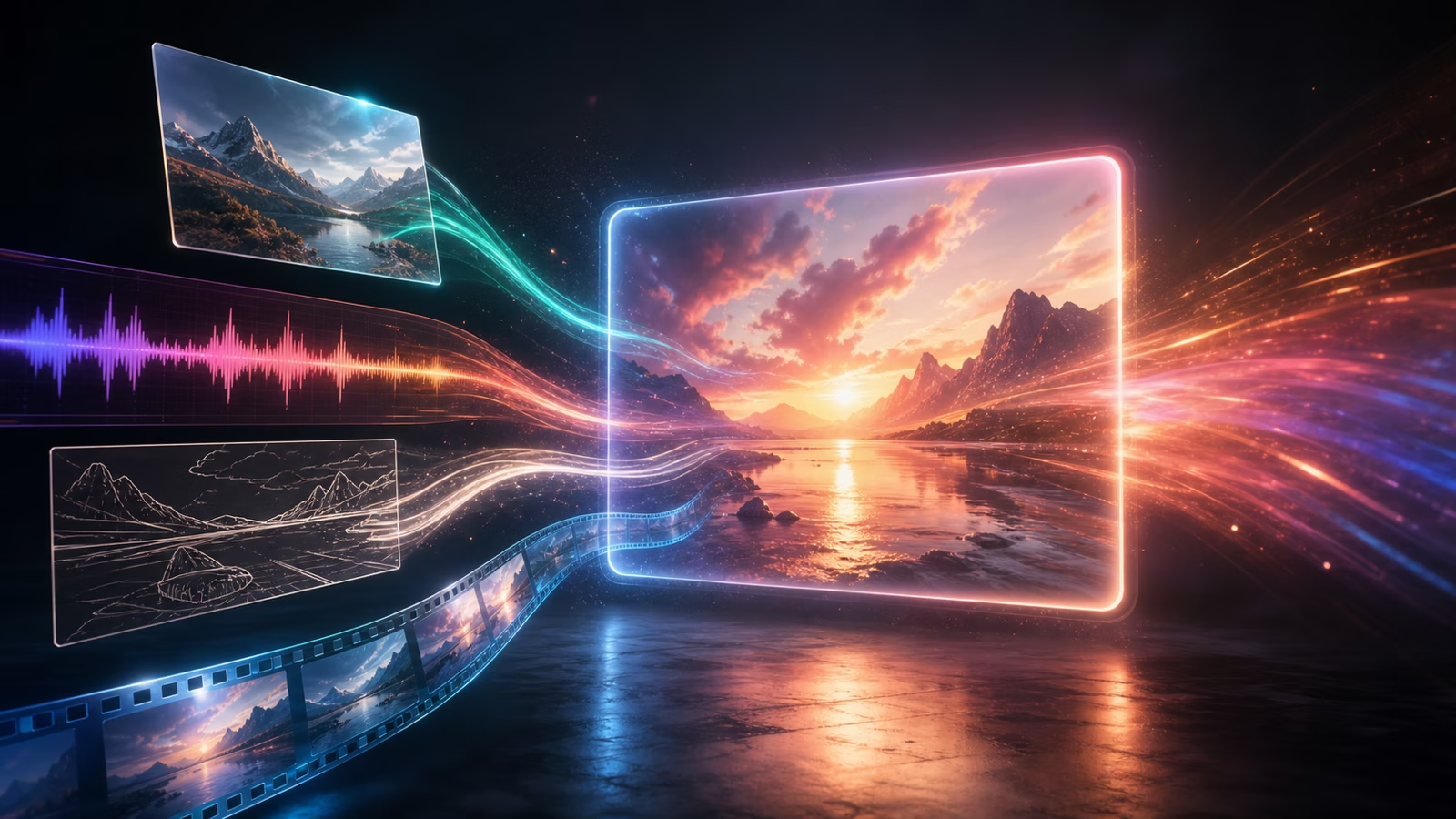
Generate Videos from Any Input
Feed it text, an image, an audio clip, or a reference video — Gemini Omni turns any combination into a video with native audio, up to 4K resolution. No separate tools needed for different input types.
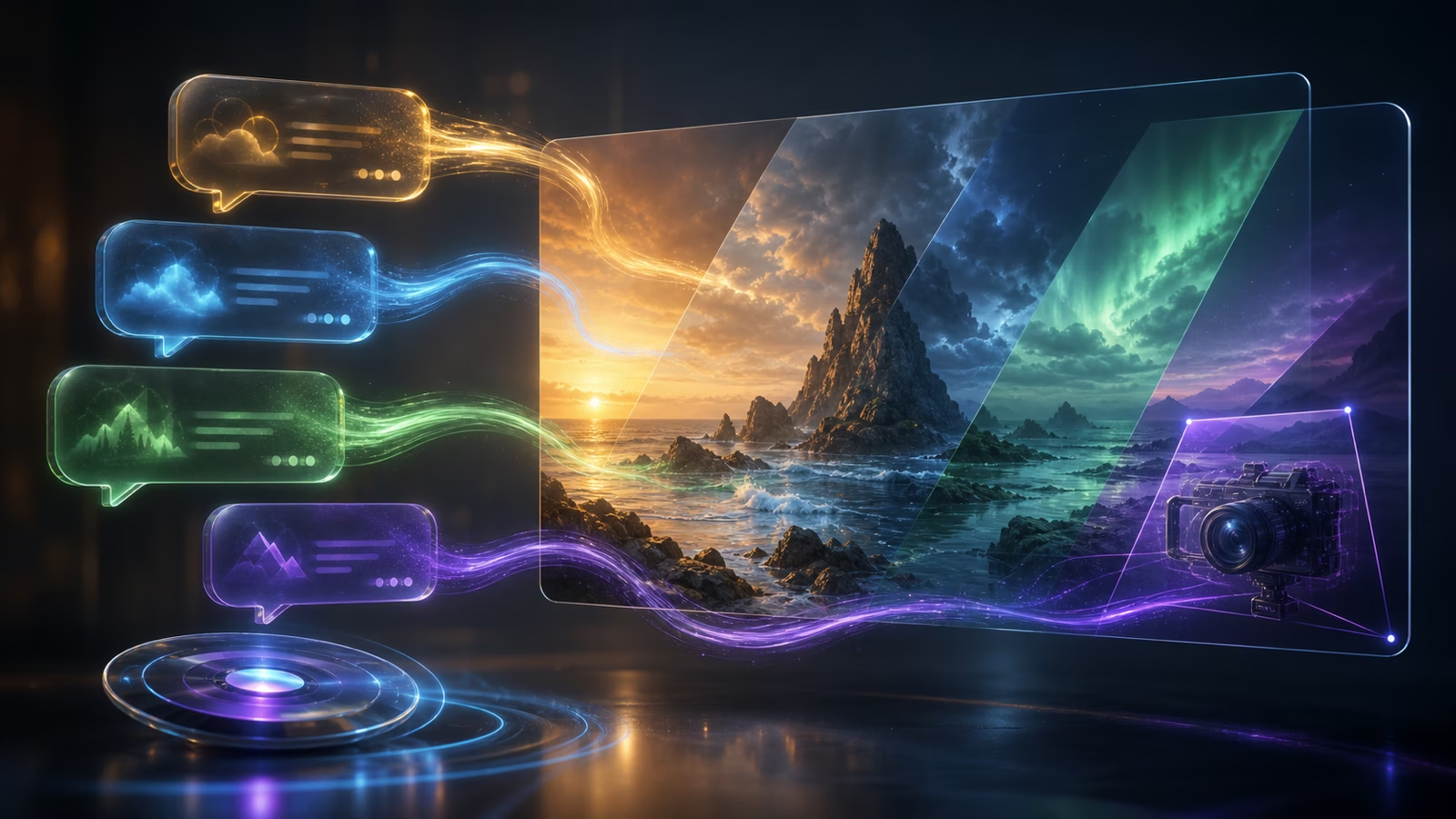
Edit Through Natural Conversation
Don't learn a timeline or a node editor. Just describe what you want changed — "make the car red," "change to golden hour lighting," "add rain in the background." Every instruction builds on the last, maintaining scene consistency.
Class-Leading Text Rendering
Need on-screen titles, captions, or UI mockups in your video? Gemini Omni renders text with industry-best accuracy — crisp, readable, and synced to onscreen action. No more garbled AI text.

Real-World Physics & World Knowledge
Objects fall, bounce, and collide naturally. Scenes respect historical accuracy, scientific principles, and cultural context. Gemini Omni draws on Gemini's vast knowledge to ground your video in reality — not just visual patterns.

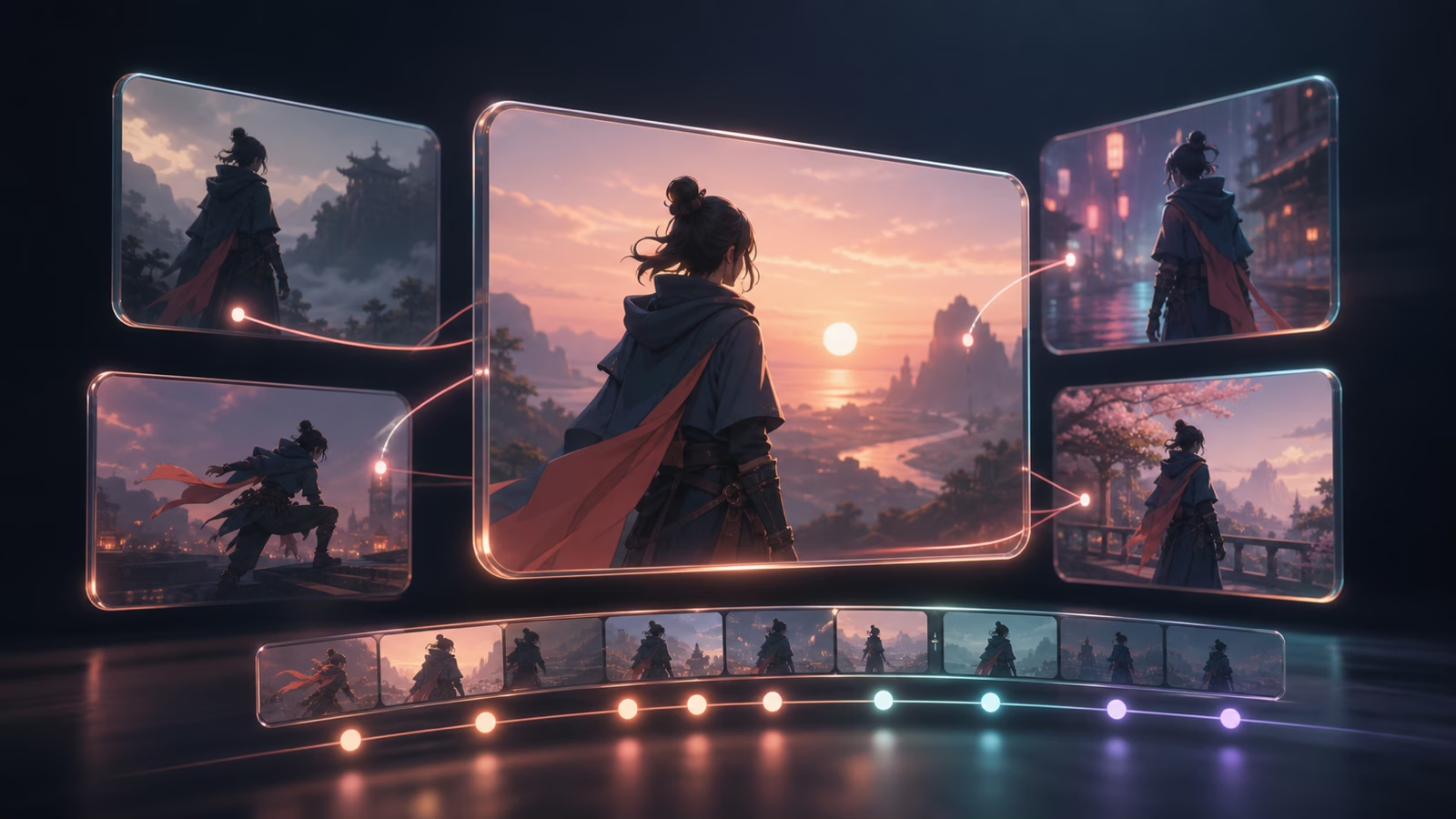
Consistent Characters, Scenes & Multi-Turn Editing
Your character's face, clothing, and the scene background stay consistent across multiple rounds of editing. No more "the AI forgot what my character looked like between shots."
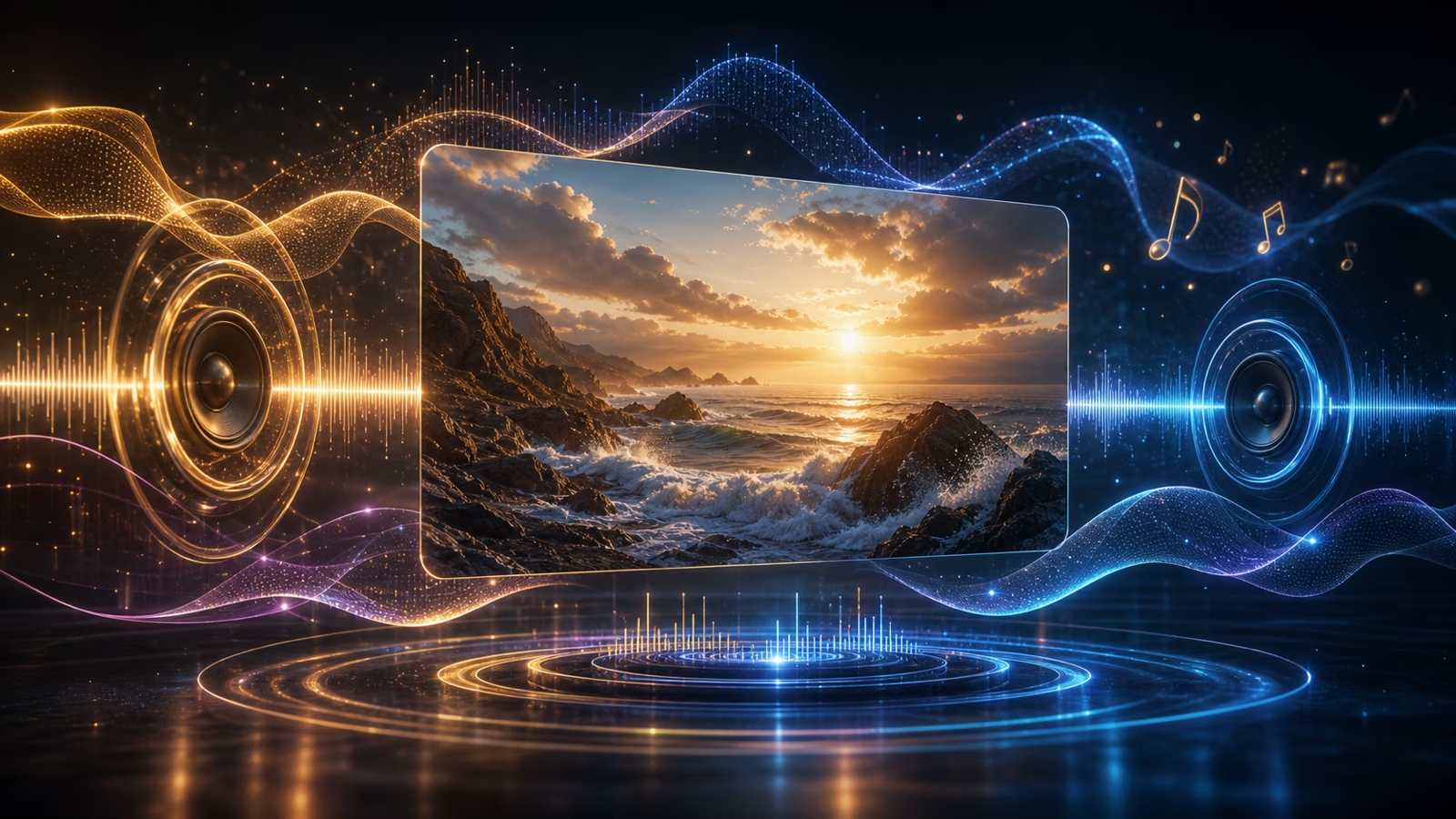
Best-in-Class Voice & Native Audio
Videos come with synced audio. Background music, voiceover, and sound effects are generated natively — no need to export to an audio tool and re-sync.
Create Your First Video in 3 Steps
Learn how to use Gemini Omni in three simple steps. Start from any input — text, image, audio, or video — and refine through natural conversation.
Start from Anything
Describe your idea in a sentence. Or upload a photo, a rough sketch, an audio clip, or a reference video. Gemini Omni accepts text, images, audio, and video — mix and match however you like. You'll see a preview render in under a minute.
Direct in Chat
Don't rewrite your prompt — just say what you want. "Make it night instead of day." "Change the music to something more energetic." "Add a title card at the beginning." Every edit stacks on the previous one, keeping your video coherent.
Generate, Remix & Export
Happy with your video? Export up to 4K with synced audio. Want to try a different direction? Remix from any step — swap styles, change the action, add new characters. Export as many versions as you need.
Who Is Gemini Omni For?
From content creators to product designers, Gemini Omni fits into real creative workflows — not just one-off clips.
YouTube & TikTok Creators
Turn one idea into multiple short-form videos — vertical, horizontal, different cuts. Add on-screen text that actually renders correctly. Remix your best-performing clips into fresh variations without re-shooting anything.
Marketers & Ad Teams
Generate product demos, social ads, and explainer videos from a product photo and a brief. Swap out backgrounds, add branding, and render text overlays — all in one chat session. Ship faster than waiting for an agency.
Educators & Online Course Creators
Create visually accurate explainer videos grounded in real science, history, and math. Gemini Omni's world knowledge means your animations respect facts — not just visual patterns. Add on-screen equations, labels, and diagrams that render clearly.
Filmmakers & Storyboard Artists
Test a scene concept in minutes instead of days. Upload a storyboard sketch, describe the action, and get a moving previz you can refine through conversation. Reference real locations, specific lighting, and camera moves.
Product Designers & UI/UX Teams
Generate app walkthroughs and UI demos with text that stays readable. Gemini Omni's text rendering is class-leading — your mockups look like real screens, not AI-smudged approximations.
Why Choose Gemini Omni Over Other AI Video Tools
No other AI video model combines reasoning, multimodal input, conversational editing, and text rendering in one system.
Conversational Editing — Talk to It Like an Editor
Don't learn a timeline or re-write prompts. Just say what you want changed — like you're talking to an editor. Every revision stacks coherently on the last, keeping characters and scenes consistent across turns.
Multimodal from the Ground Up
Feed it text, photos, sketches, audio, or reference clips — in any combination. Other tools lock you into text-only prompting. Gemini Omni accepts and understands every input type natively.
Real-World Physics & Knowledge
Your explainer videos respect actual science and history. Your product demos move like real objects. No "AI weirdness" in how things fall, bounce, or interact — Gemini Omni's reasoning engine grounds every frame in reality.
Class-Leading Text Rendering
On-screen titles, labels, and UI text stay crisp and readable. For ads, tutorials, and app demos, this alone is a reason to switch. No more garbled AI text that ruins an otherwise perfect shot.
Google DeepMind Ecosystem
Built by the team behind Gemini, Veo, and Imagen. Integrated with YouTube Shorts, Google Flow, and the Gemini app. You're building on infrastructure that ships to billions — with SynthID watermarking and C2PA content credentials built in.
Choose the plan that works best for you
Starter
Entry-level experience, low barrier to entry
- 60 credits per month (approximately 20 videos)
- Monthly/yearly payment options, cancel anytime
- Perfect for beginners and light usage
- View and manage your video generation history anytime
- Commercial use
- 24/7 customer support
Pro
Main recommended version, best value for money
- 150 credits per month (approximately 50 videos)
- Monthly/yearly payment options, cancel anytime
- Best value choice for individual creators and small teams
- View and manage your video generation history anytime
- Commercial use
- 24/7 customer support
Studio
Professional version for high-frequency creators
- 270 credits per month (approximately 90 videos)
- Monthly/yearly payment options, cancel anytime
- Perfect for professional creators and high-frequency generation
- View and manage your video generation history anytime
- Commercial use
- 24/7 customer support
Need more credits?
One-time purchase. Add credits anytime — works alongside any plan.
Frequently Asked Questions About Gemini Omni
What is Gemini Omni?
Is Gemini Omni free? How much does it cost?
How is Gemini Omni different from Veo?
How do I get started with Gemini Omni?
How does Gemini Omni compare to Sora 2 and Seedance 2?
Can Gemini Omni edit videos through conversation?
How long can Gemini Omni videos be? Does it support audio?
What is Gemini Omni Flash?
Does Gemini Omni have an API?
Are Gemini Omni videos watermarked?
What are Gemini Omni's limitations?
Who is Gemini Omni for?
Try Gemini Omni — Free Credits, No Waitlist
Turn text, images, audio, and video into production-ready videos with AI that understands the real world. Free credits on sign up, no credit card required.