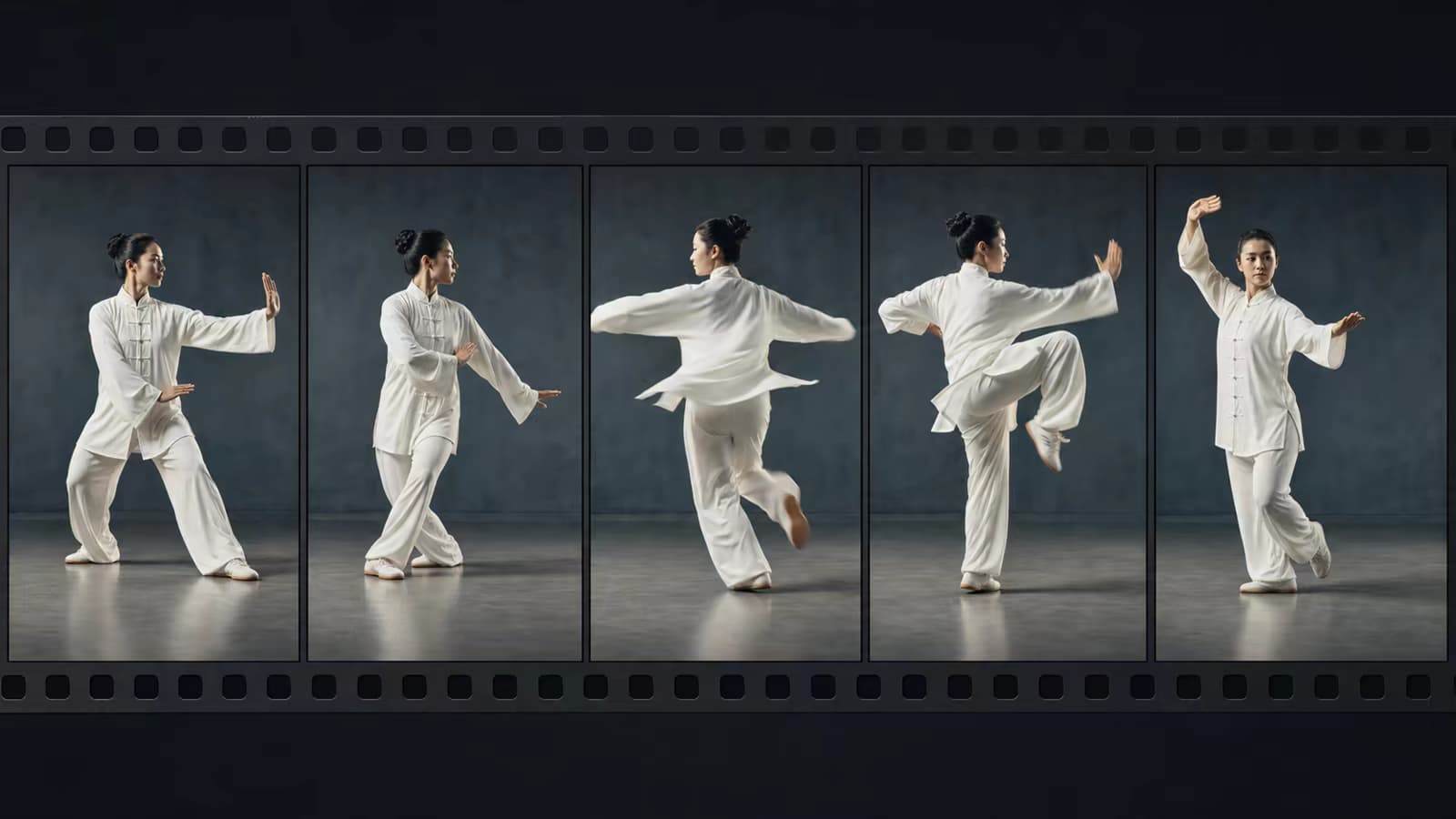
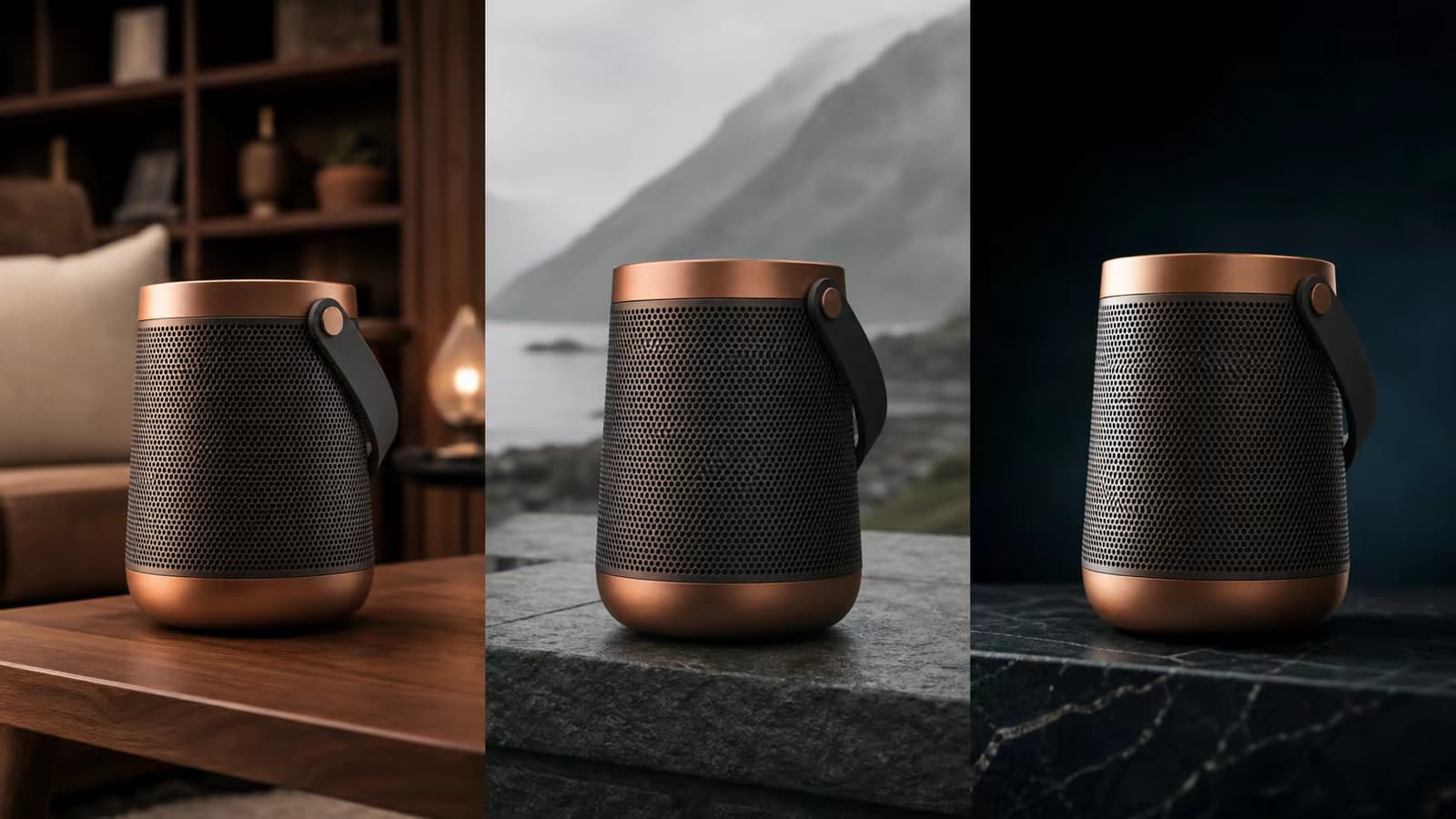
Guide characters, products, objects, and style

Reference to Video AI Generator

Use reference images or a supported reference video to guide the identity, product details, objects, scene, or visual style of a new AI video. Reference-to-video is designed for guidance across a shot—not simply for choosing its first frame.

Free credits after sign-inNo visible watermarkStart online — no installationCredit cost shown before generation

Input video

3credits

Sign-in is required to generate. Eligible new accounts currently receive signup credits, and the estimated credit cost is shown before submission.

Video gallery

Made with AI

What reference-to-video can do

Guide what should remain recognizable across a new shot

References help communicate visual facts that are difficult to describe in text alone. Assign each image a clear purpose, keep references compatible, and use the prompt to define the new action and scene.

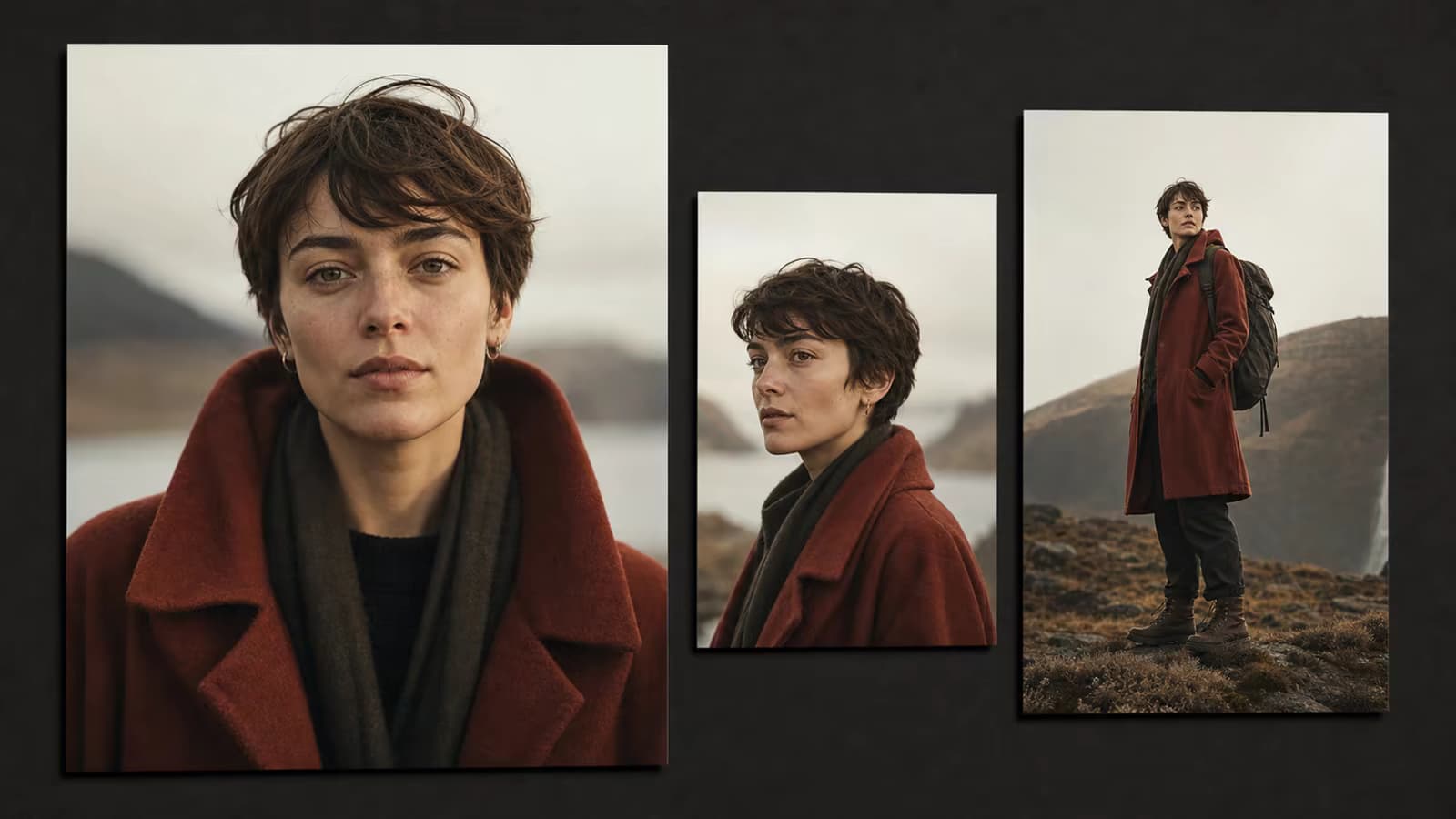
Character reference

Guide facial features, hairstyle, clothing, silhouette, and other visible identity cues while placing a character into a new shot.

Try this direction

Name the two or three identity details that matter most instead of asking for perfect consistency in every frame.

Character reference capability preview

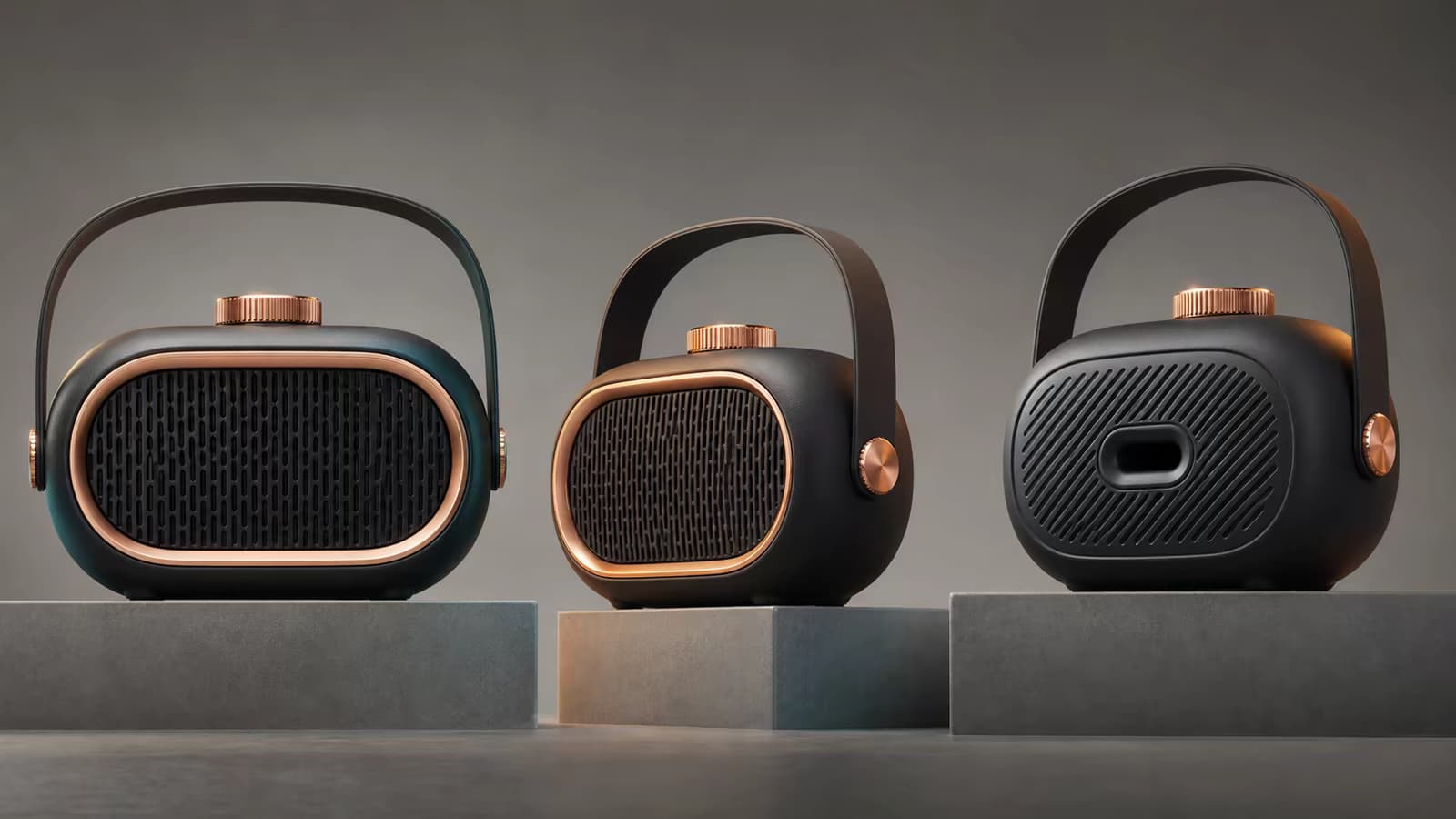
Product and object reference

Show the shape, material, color, and recognizable design elements of a product or object before directing a new campaign scene.

Try this direction

Explicitly protect logos, dial layouts, packaging geometry, or other high-value product details.

Product and object reference capability preview

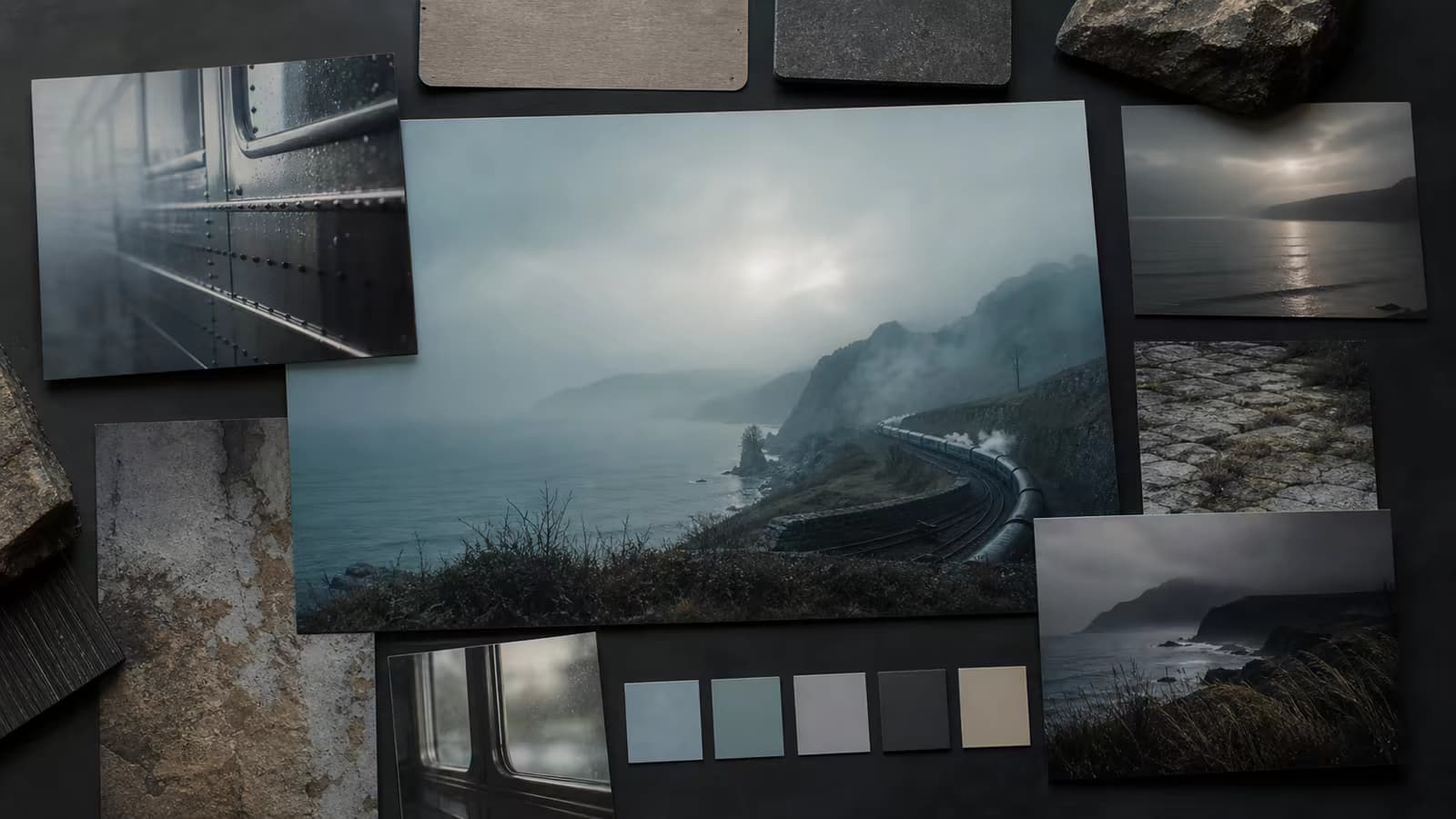
Style reference

Guide color palette, lighting, texture, lens character, illustration language, and mood without forcing the output to start from the reference image.

Try this direction

Describe which visual properties to borrow and request an original scene composition.

Style reference capability preview

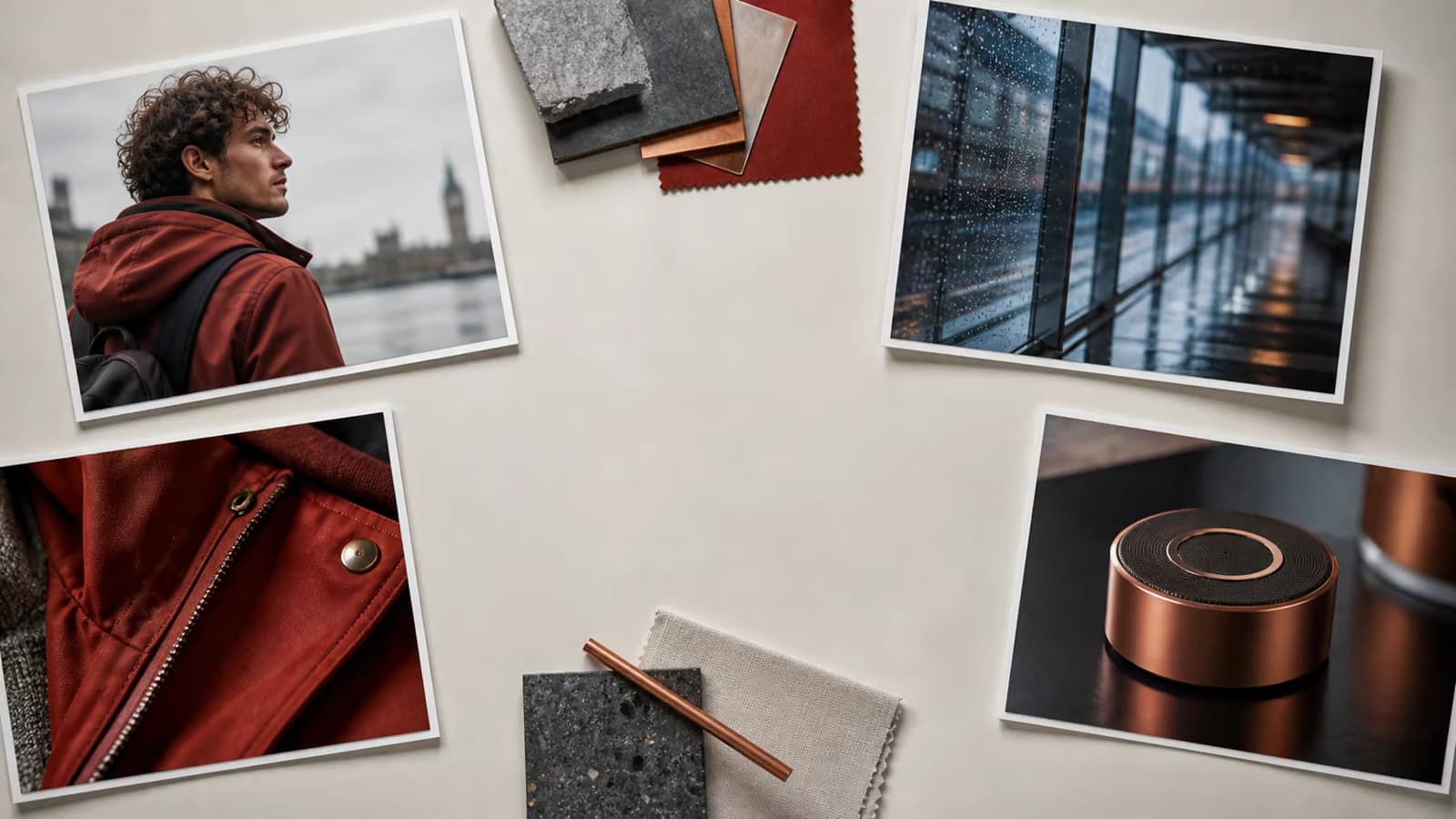
Multi-reference guidance

Combine compatible angles or roles to communicate more information than a single image can provide.

Try this direction

Keep all references consistent and identify each role: character, outfit, product, scene, or style.

Multi-reference guidance capability preview

Reference video guidance

On supported inputs, use a short video to help communicate motion, camera rhythm, or scene behavior alongside image references.

Try this direction

State whether the video is meant to guide movement, framing, or overall visual rhythm.

Reference video guidance capability preview

Create multiple campaign shots

Reuse a prepared reference set to explore new locations, actions, camera angles, and compositions for the same creative subject.

Try this direction

Change one major variable at a time so you can evaluate reference fidelity more clearly.

Create multiple campaign shots capability preview
How to use references

Build a clear reference set in three steps

Use fewer, stronger references and tell the model why each one matters. Conflicting material can reduce consistency.

01

Add your reference material

Upload clear, compatible images—or a supported reference video—and choose material that shows the identity, product, object, or style you want to guide.

02

Assign roles and describe the new shot

State what each reference contributes, then describe the action, setting, camera, lighting, and the details that should remain recognizable.

03

Generate and evaluate fidelity

Review the displayed model cost, generate online, compare the result with your highest-priority reference details, and download without a visible watermark.

Reference-to-video workflows

When references communicate more than a first frame

Choose this workflow when visual identity, product design, or art direction should guide the whole shot instead of merely defining where it begins.

Character-led stories

Explore new actions and environments while using the same prepared character appearance as visual guidance.

Product campaign concepts

Stage recognizable products across studio, lifestyle, close-up, and social campaign shots.

Style exploration

Turn an art-direction board into moving scenes with a shared palette, texture, lighting, and mood.

Storyboards and recurring subjects

Use a consistent visual reference set while testing a sequence of related scene ideas and camera setups.

Why create with Voe AI

Reference controls and generation details in one workflow

The page opens directly in reference-to-video mode and keeps your input material, prompt, model choice, and displayed credit cost together.

Purpose-built reference input

Start in the correct mode instead of trying to force character or product guidance through a generic image-to-video workflow.

Flexible model controls

Choose available settings for duration, resolution, and aspect ratio while keeping the creative brief visible.

Upfront credit visibility

The current cost appears before submission, and available signup credits can be used toward eligible generations.

No visible watermark

Download completed generations without a visible watermark for evaluation, editing, and presentation.

References and limits

Use strong references without overpromising perfect identity lock

AI references guide generation rather than compositing the original asset frame by frame. Results can vary with reference quality, conflicts, motion, and shot complexity.

Default model

Wan 2.7 Reference

The page opens in the dedicated reference-to-video workflow.

Default setup

2s · 720p

Adjust available duration, resolution, and ratio controls in the composer.

Default cost

3 credits

Always confirm the live credit display before submitting because pricing can change.

Reference capacity

Up to 5 total assets

Use up to four compatible images plus one optional supported reference video.

Generation time

Varies

Processing depends on the model, selected settings, queue, and reference complexity.

Prompt examples

Tell the model what each reference is meant to control

Separate reference roles from the new scene instructions. Prioritize a few concrete identity or design cues instead of requesting abstract perfection.

Character reference

Use the images as character references: preserve the round glasses, short black bob, yellow raincoat, and facial proportions. Create a new medium shot of the character waiting at a rainy bus stop, subtle expression, slow handheld camera.

Product reference

Use the references for the exact bottle silhouette, amber glass, cream label placement, and black cap. Create an original macro product shot on wet stone, slow orbit, crisp controlled highlights, no extra logo or text.

Style reference

Use the references only for their muted terracotta palette, paper texture, simplified geometric shadows, and editorial composition. Create an original animated street-market scene with a gentle lateral camera move.

Multiple reference roles

Reference 1 defines the character, reference 2 defines the blue jacket, and references 3–4 define the cabin environment and warm evening lighting. Create a new shot of the character opening the cabin door, preserve the named details.

Reference-to-video FAQ

Questions about image, character, product, and style references

What is reference-to-video AI?
Reference-to-video AI uses one or more visual assets to guide elements of a newly generated video, such as a character, product, object, environment, style, camera behavior, or motion pattern.
Is a reference image the same as a first frame?
No. A first frame defines the opening composition of an image-to-video shot. A reference image supplies visual guidance and the generated video can begin from a different composition, location, or camera angle.
How do I stop AI from changing a face from a reference image?
Use clear and compatible views of the same person, avoid references with conflicting features, prioritize distinctive facial and hairstyle cues in the prompt, and keep extreme poses, occlusion, or rapid camera moves to a minimum. Perfect identity lock is not guaranteed.
How many reference images should I use?
Use the smallest set that clearly communicates the required identity or design. Two or three compatible views can be more useful than many conflicting images. The current workflow accepts up to four reference images plus one optional supported reference video.
Can I mix character, outfit, product, and style references?
Yes, provided the references are compatible and each role is identified in the prompt. When too many visual instructions compete, the model may prioritize some details and weaken others.
Can I use a video as a reference?
The reference-to-video workflow supports a reference video where available. Use it to communicate motion, framing, or rhythm, and state its intended role in the prompt. It counts toward the total reference-asset limit.
Can a reference video copy the original audio?
Do not assume that a reference video transfers its audio. Reference-to-video is used for visual or motion guidance; generated audio depends on the selected model and mode.
Is reference-to-video free to try?
Eligible accounts receive free credits after sign-in. The live composer displays the current credit cost before generation; signup credits are limited and do not provide unlimited generation.
Will the output include a visible watermark?
Completed Voe AI downloads do not include a visible watermark. Review the current generation details when choosing a model.
Build a clear reference set

Create a new shot guided by the visuals that matter

Add compatible character, product, object, scene, or style references, describe their roles, and review the displayed credit cost before generation.