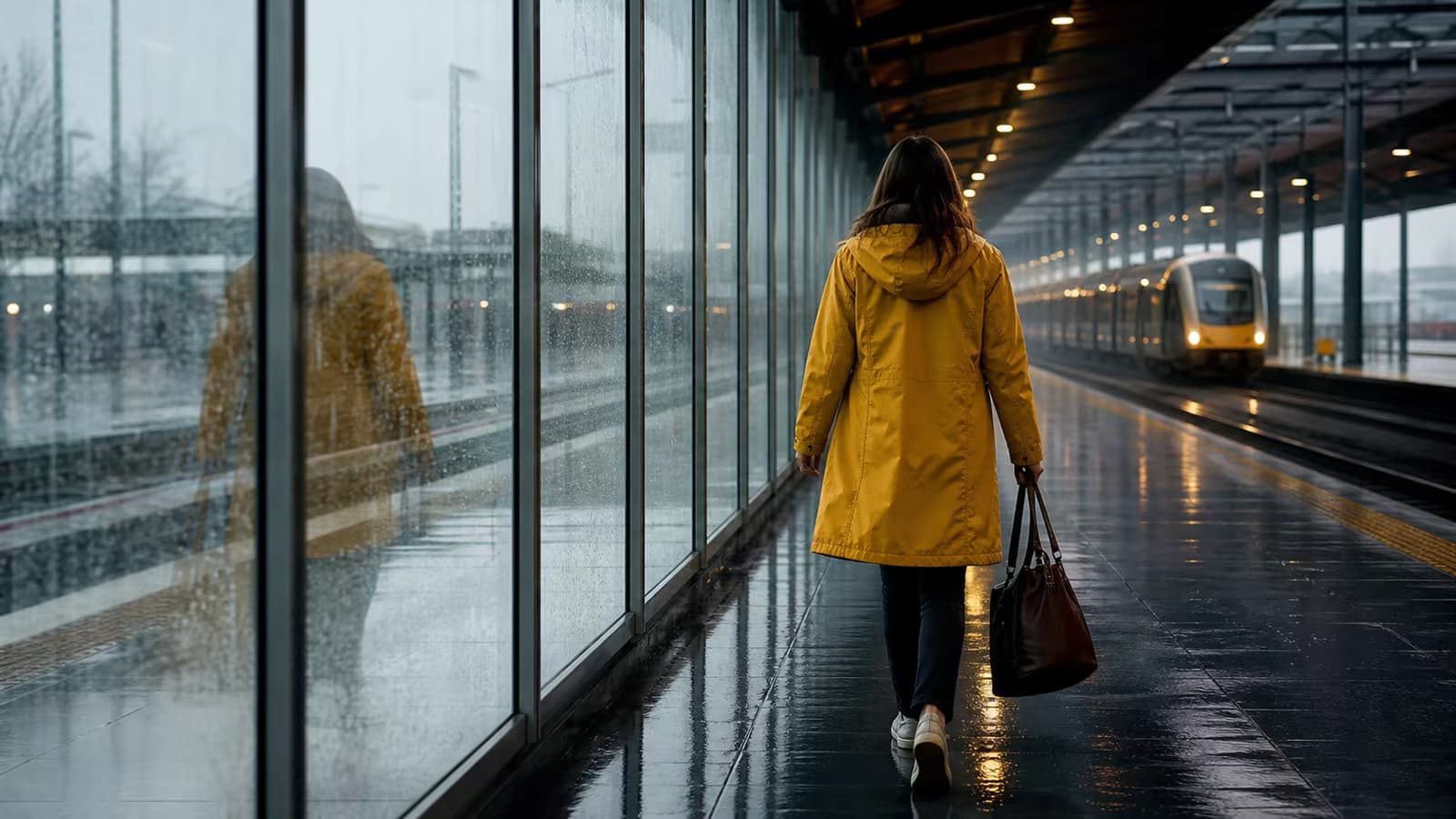
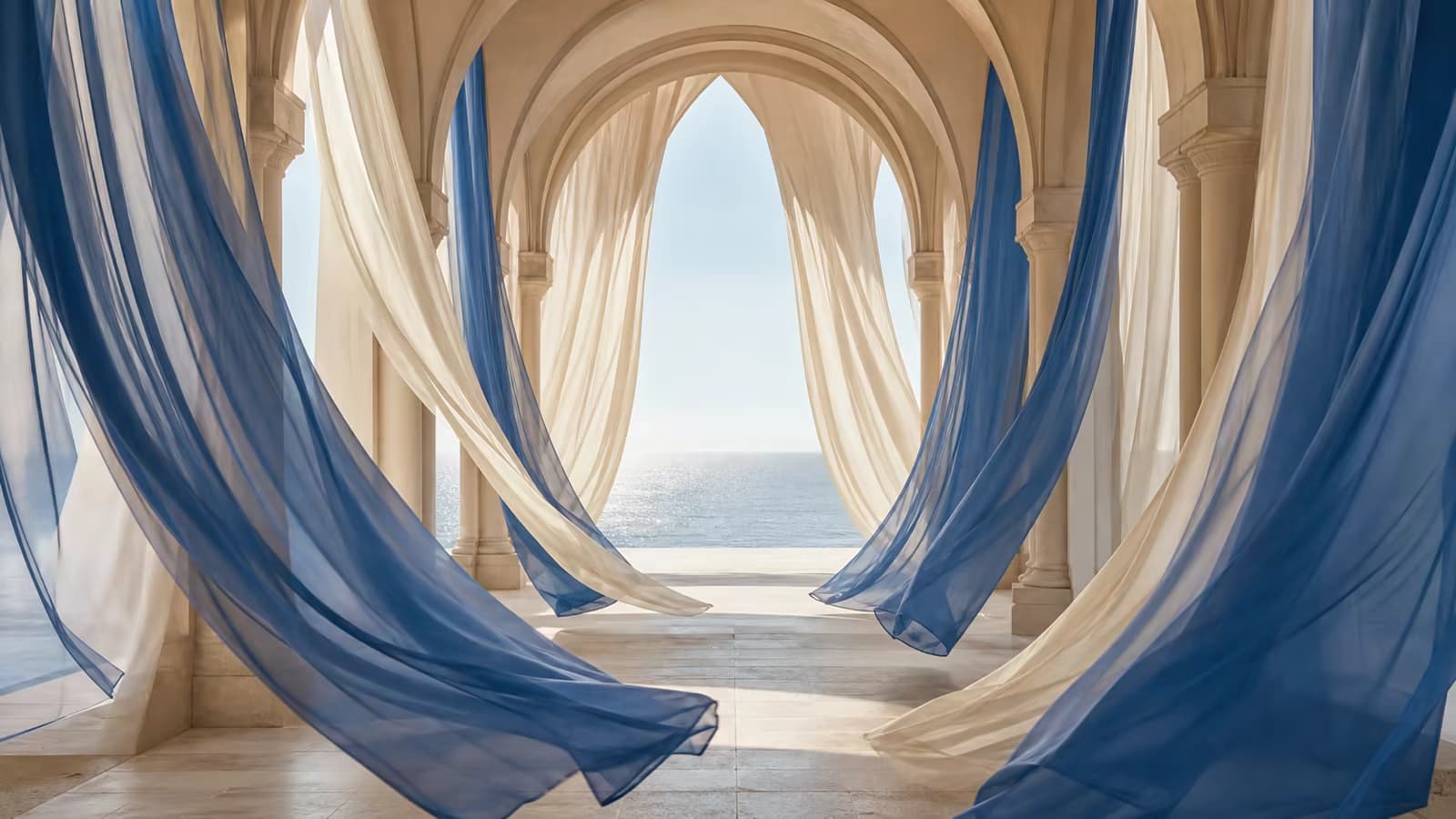
Guide the beginning and the ending

First and Last Frame Video Generator

Turn two still images into a directed video transition. Set the opening frame, define the ending frame, and describe the motion that should connect them with our first and last frame video generator.

Free credits after sign-inNo visible watermarkStart online — no installationCredit cost shown before generation

First Frame

Last Frame

3credits

Sign-in is required to generate. Eligible new accounts currently receive signup credits, and the estimated credit cost is shown before submission.

Video gallery

Made with AI

What you can create

Control the destination, not only the starting image

A normal image-to-video tool decides where the shot ends. First and last frame generation gives the model a visual destination, making it useful for intentional transitions, reveals, and shot continuity.

Define both endpoints

Upload a first frame and a last frame so the model can plan motion between two visible targets instead of inventing an ending.

Try this direction

Name the elements that must remain stable from the opening frame to the ending frame.

Define both endpoints capability preview

Direct the motion between images

Describe subject movement, camera movement, pacing, lighting changes, and the event that connects the two frames.

Try this direction

Write the action in chronological order: subject movement first, camera movement second, final settling action last.

Direct the motion between images capability preview

Create transformation sequences

Build day-to-night changes, season shifts, material transformations, before-and-after stories, and product reveals.

Try this direction

State what changes and what must not change, such as identity, logo shape, or background layout.

Create transformation sequences capability preview

Plan camera-to-camera transitions

Connect a wide shot to a close-up, a front view to a side view, or two related compositions with a described camera path.

Try this direction

Use concrete camera language such as slow dolly in, restrained orbit, fixed camera, or gentle tilt.

Plan camera-to-camera transitions capability preview

Improve shot and scene continuity

Use related endpoints to bridge storyboard panels, campaign shots, and visual sequences while preserving recognizable scene details.

Try this direction

Keep lighting direction, subject scale, and visual style compatible across both input frames.

Improve shot and scene continuity capability preview

Design smoother loops

When the endpoint closely matches the opening composition, the generated middle motion can form a more natural repeating clip.

Try this direction

Request restrained cyclic motion and avoid irreversible actions when you intend to loop the result.

Design smoother loops capability preview
How to use it

Create a guided transition in three steps

Give the model clear endpoints and a concise motion plan. You can review the required credits before submitting.

01

Upload the first and last frames

Choose two images that show where the shot must begin and end. Similar composition, subject scale, and lighting usually produce a cleaner transition.

02

Describe the connecting action

Explain what moves, how the camera behaves, which details stay fixed, and how the final pose or composition should settle.

03

Generate, review, and download

Check the model and displayed credit cost, generate online, then download the result with no visible watermark.

Popular workflows

When a start-and-end frame workflow is the better choice

Use two-frame control when the ending matters as much as the opening, or when a campaign needs a recognizable visual destination.

Before-and-after transformations

Connect renovations, styling changes, seasonal transformations, restoration concepts, and visual progress stories.

Product reveals

Move from packaging to product, sketch to final design, ingredient to plated dish, or closed to assembled state.

Storyboard transitions

Bridge two storyboard panels or campaign keyframes while specifying the intended movement between them.

Loops and ambient motion

Create short repeating backgrounds, subtle environmental movement, and social visuals from closely matched endpoints.

Why create with Voe AI

A practical first-and-last-frame workflow

The page opens in the correct mode, keeps inputs focused on the task, and shows generation cost before you commit credits.

The right controls from the start

The generator opens directly in first-and-last-frame mode with clearly separated inputs for the two endpoints.

Prompt and model controls together

Describe the transition and adjust available video settings without moving through a disconnected editing workflow.

Upfront credit visibility

See the current model cost before generation. New users can use available signup credits toward eligible generations.

Clean downloadable results

Completed videos can be downloaded without a visible watermark for a cleaner review and editing workflow.

Practical details

Set realistic expectations before generating

First-and-last-frame AI guides a transition; it does not mechanically morph pixels or guarantee an exact path. Compatible inputs and a focused prompt matter.

Default mode

Veo 3.1 Fast

The page starts with the fast first-and-last-frame workflow.

Default cost

3 credits

The live composer remains the source of truth if model pricing changes.

Generation time

Varies

Processing time depends on the selected model, queue, and generation settings.

Best input match

Related composition

Large changes in subject, angle, lighting, or layout can cause abrupt or distorted transitions.

Prompt examples

Tell the model what happens between the frames

Use chronological language, separate subject motion from camera motion, and name the visual details that must stay consistent.

Cinematic transition

The camera slowly pushes forward while the empty theater fills with guests, warm practical lights illuminate one by one, preserve the architecture and finish exactly on the supplied final frame.

Product reveal

The outer sleeve slides left, the bottle rises smoothly into view, controlled studio reflections move across the label, no logo distortion, end on the final centered product composition.

Season change

Fixed camera. Green leaves gradually turn amber and fall as soft snow arrives, preserve the house shape and perspective, natural continuous lighting change, settle into the winter reference.

Seamless loop

Subtle waves travel across the pool and palm leaves sway gently, locked camera, no new objects, restrained cyclic motion, return smoothly to the matching final composition.

First and last frame FAQ

Questions about controlling two video endpoints

What is a first and last frame video generator?
It is an AI video workflow that accepts one image for the opening frame and another for the ending frame. A text prompt describes the action, camera movement, and visual changes that should connect them.
How is this different from a normal image-to-video generator?
Image-to-video starts from one image and lets the model invent the rest of the shot. A first-and-last-frame workflow also supplies the destination, which is more suitable when the ending composition is important.
Why does the result not match my last frame exactly?
AI generation treats the endpoint as guidance rather than a frame-by-frame compositing instruction. Extreme differences in subject, angle, scale, lighting, or style can make the endpoint harder to reach cleanly.
How can I reduce melting, sudden cuts, or distorted transitions?
Use visually related endpoints, keep the number of requested actions small, describe motion in chronological order, and explicitly name details that must remain stable.
Can I create a seamless loop from two images?
Yes, especially when the two endpoint compositions are identical or closely matched. Request subtle cyclic motion, a fixed camera, and no irreversible scene changes, then trim the result if necessary.
Can I use two completely different images?
You can, but large differences often produce a more abstract transformation instead of a physically continuous shot. For predictable motion, keep the subject, framing, and style reasonably compatible.
Is the first and last frame video generator free?
You can start online and eligible accounts receive free credits after sign-in. The current credit cost is shown before generation; free credits are limited and do not mean unlimited generation.
Will my downloaded video have a watermark?
Voe AI provides completed downloads without a visible watermark. Model behavior and current output details are shown in the generation workflow.
Start with two frames

Create the motion between your beginning and ending

Upload the two visual endpoints, describe the transition, and review the displayed credit cost before generating online.